
Background
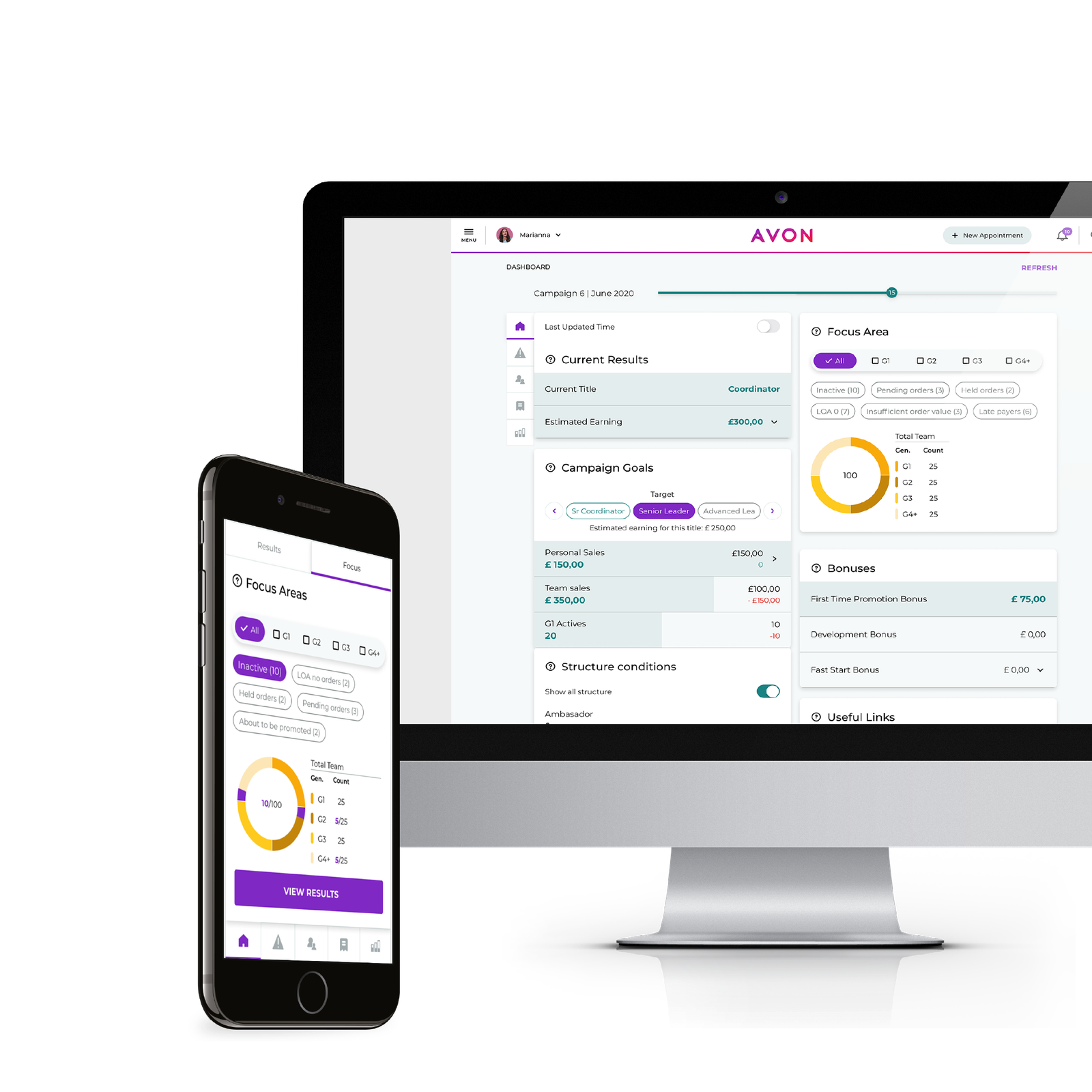
Avon Office is a responsive web platform designed to help a specific category of Avon users make the best out of their earning opportunities.
A key tool for the business, contributing to retention and growth, it supports Sales Leaders manage their team, providing timely information to make informed decisions, and prioritize key activities.
Field user feedback, an internal mobile audit of the platform plus a high demand from markets, users and business to build new features, led to the decision to redesign the tool.
Objective
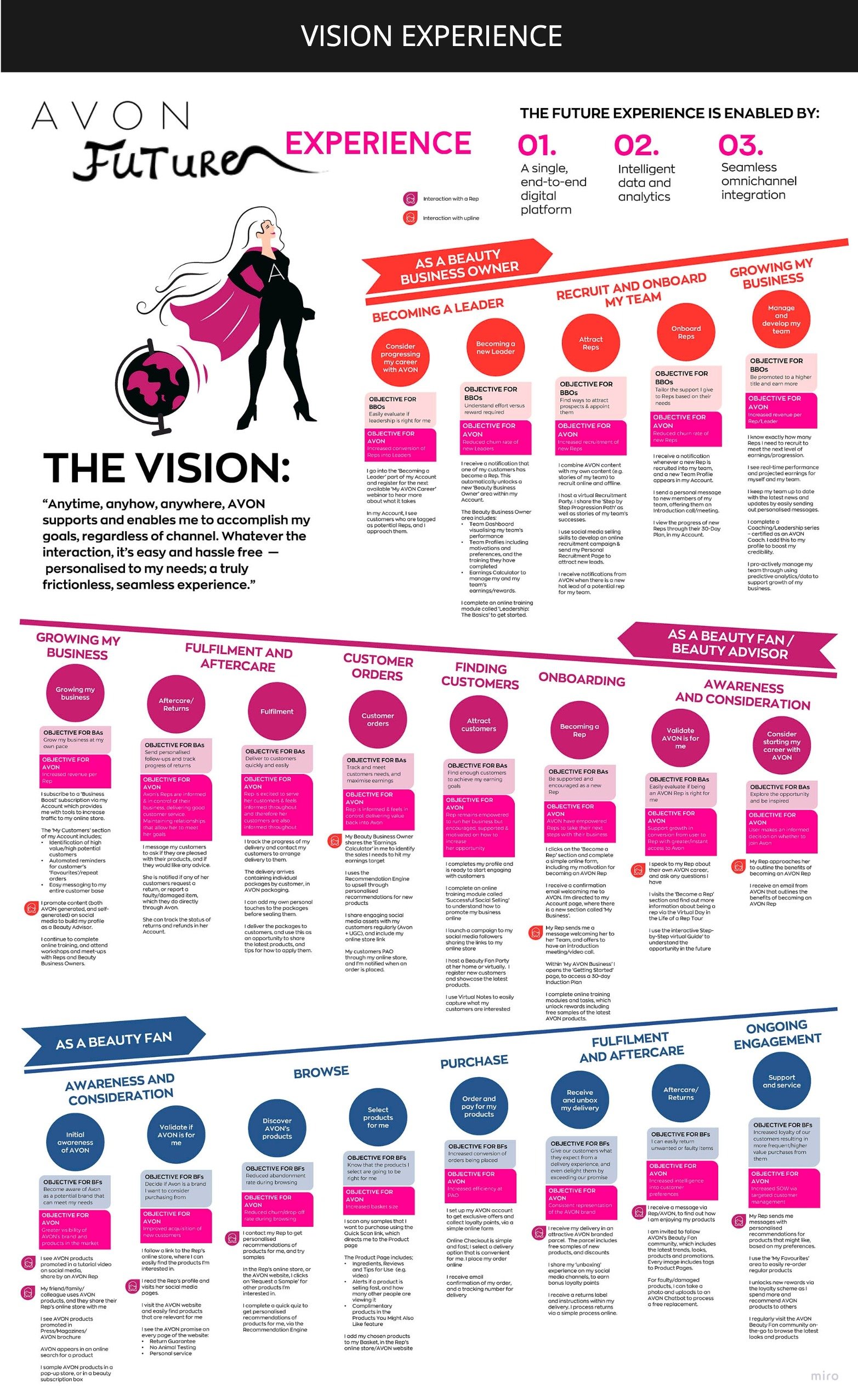
The primary requirement was to address mobile usability issues and remove the visual inconsistencies between this and other Avon applications. An equally important outcome of the redesign was laying a solid foundation that could support the longer-term vision for the tool.
The biggest challenge was that all changes had to be done using the same legacy back end system, which came with numerous limitations.
My role
1
Research
I carried out a robust discovery for this project doing the following activities:
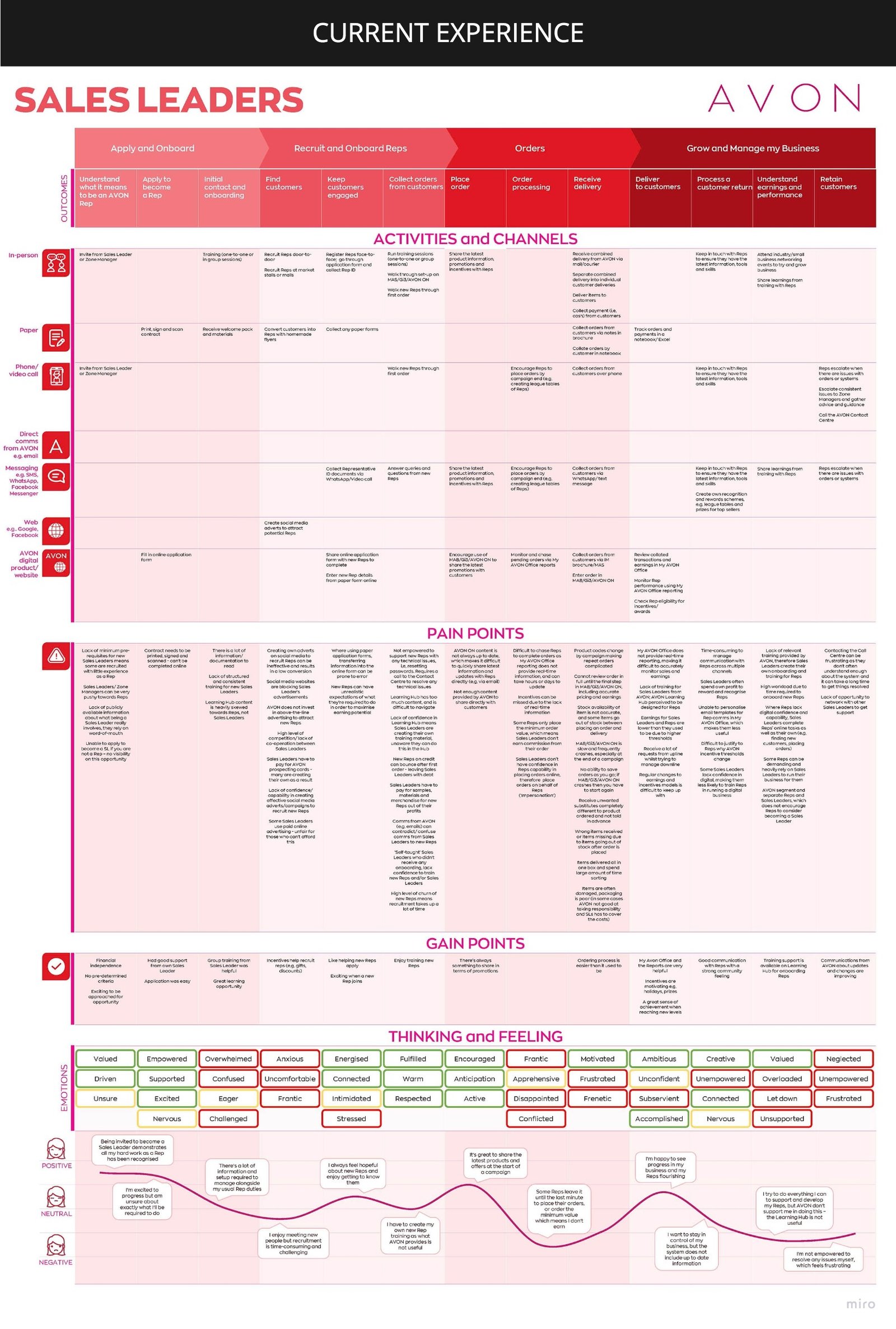
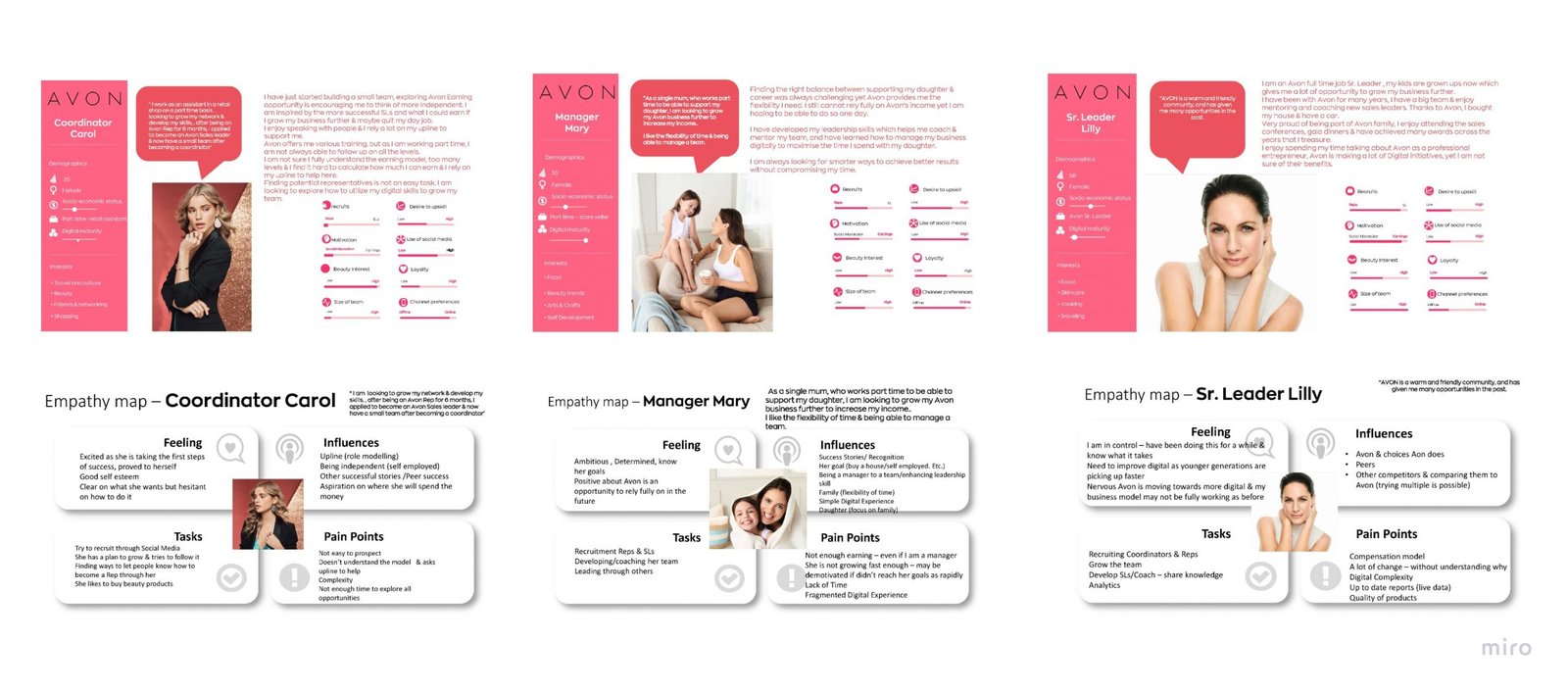
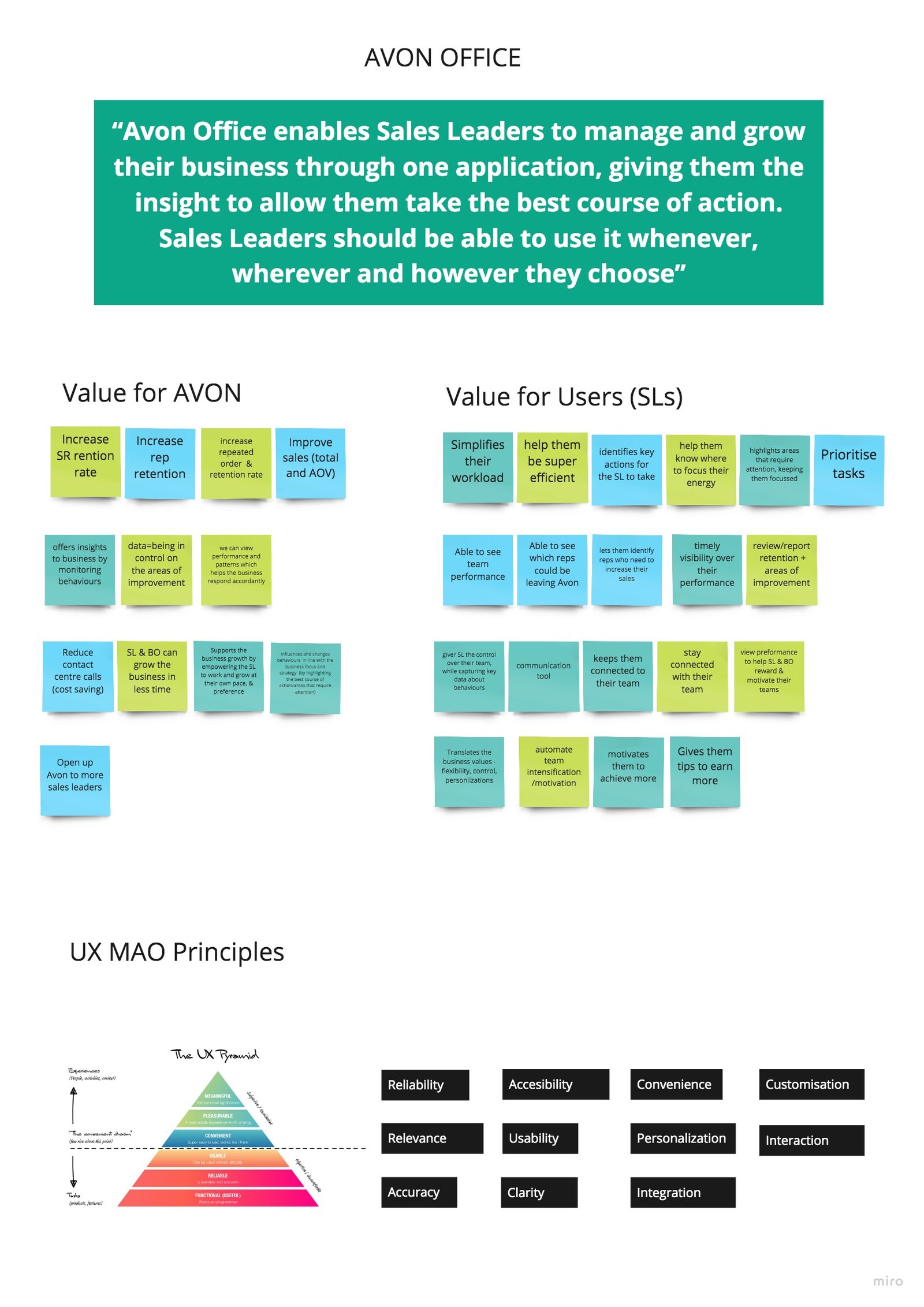
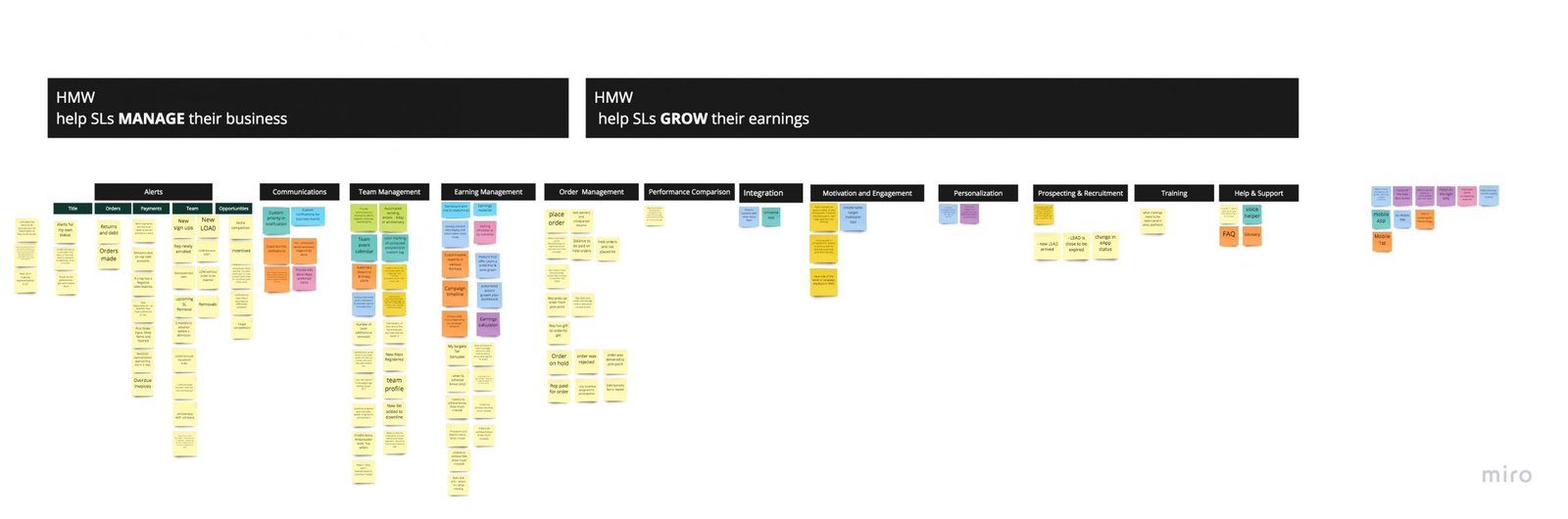
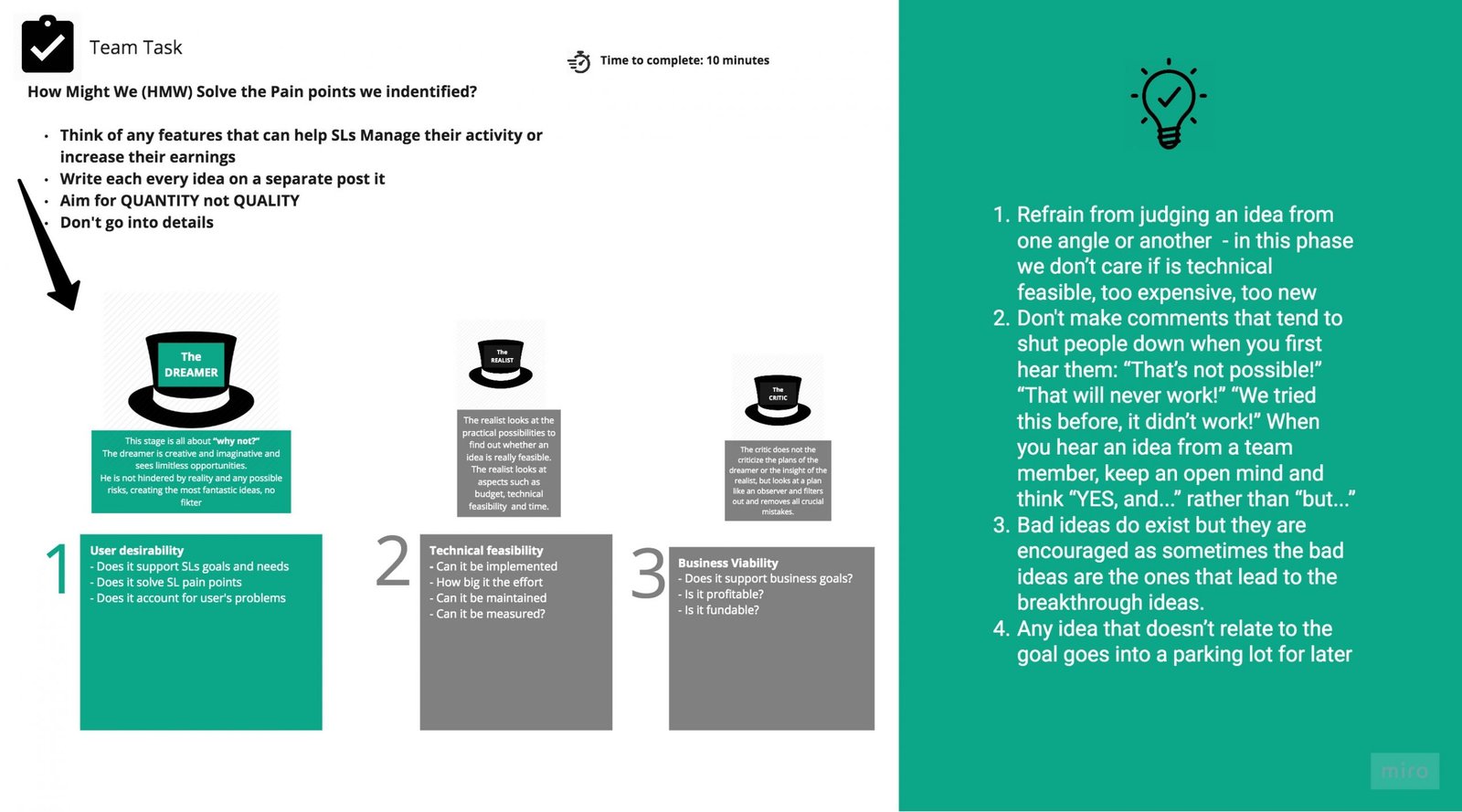
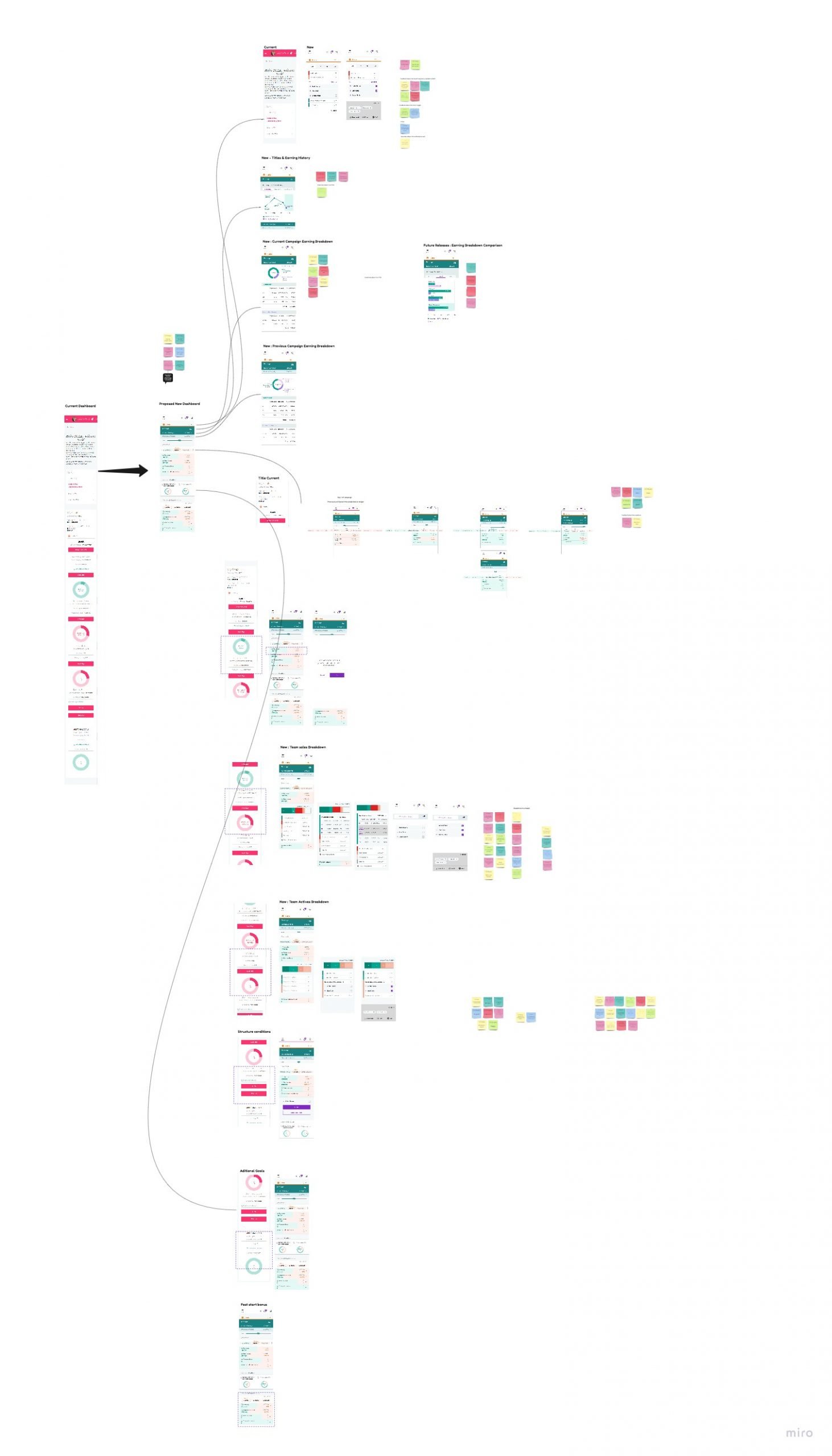
- starting from the results of a focus group commissioned by Avon. The focussed group looked at the end to end-user experience across all channels and touch-points and interviewed 100 users across 9 countries and highlighted key pain points for the business to address. I ran a workshop with the core product , extracting and discussing the pain points related to our users. Documenting everything had helped us later to identify pain points that we could address as part of the redesign, but also to clean and build a relevant backlog. As I was new to the team, it was also a great opportunity not only to really understand the user but also to build synergy within the team and start defining the UX Strategy.
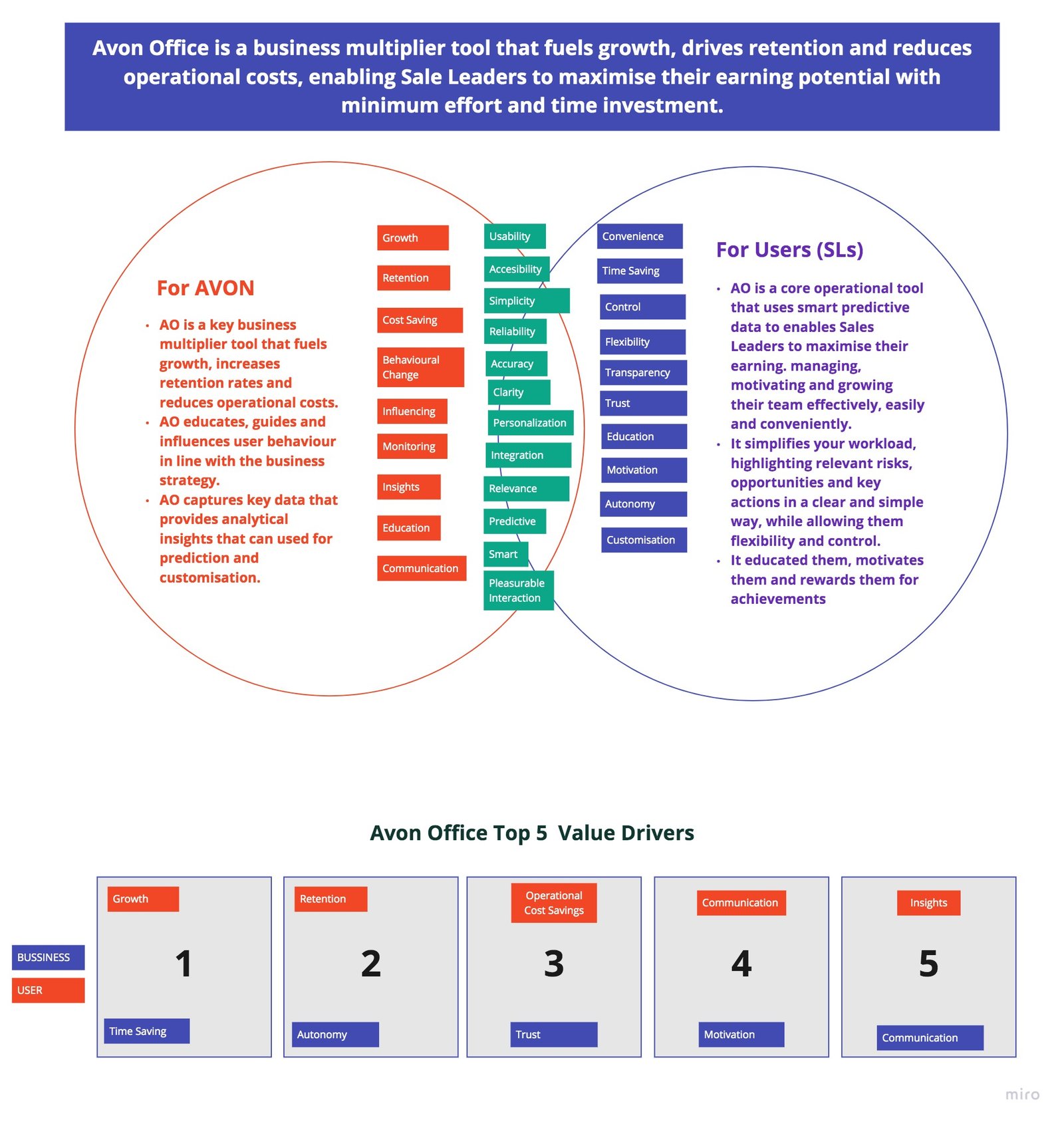
- We also reframed the product value for the business, identifying the key value drivers that were later used in prioritising features.
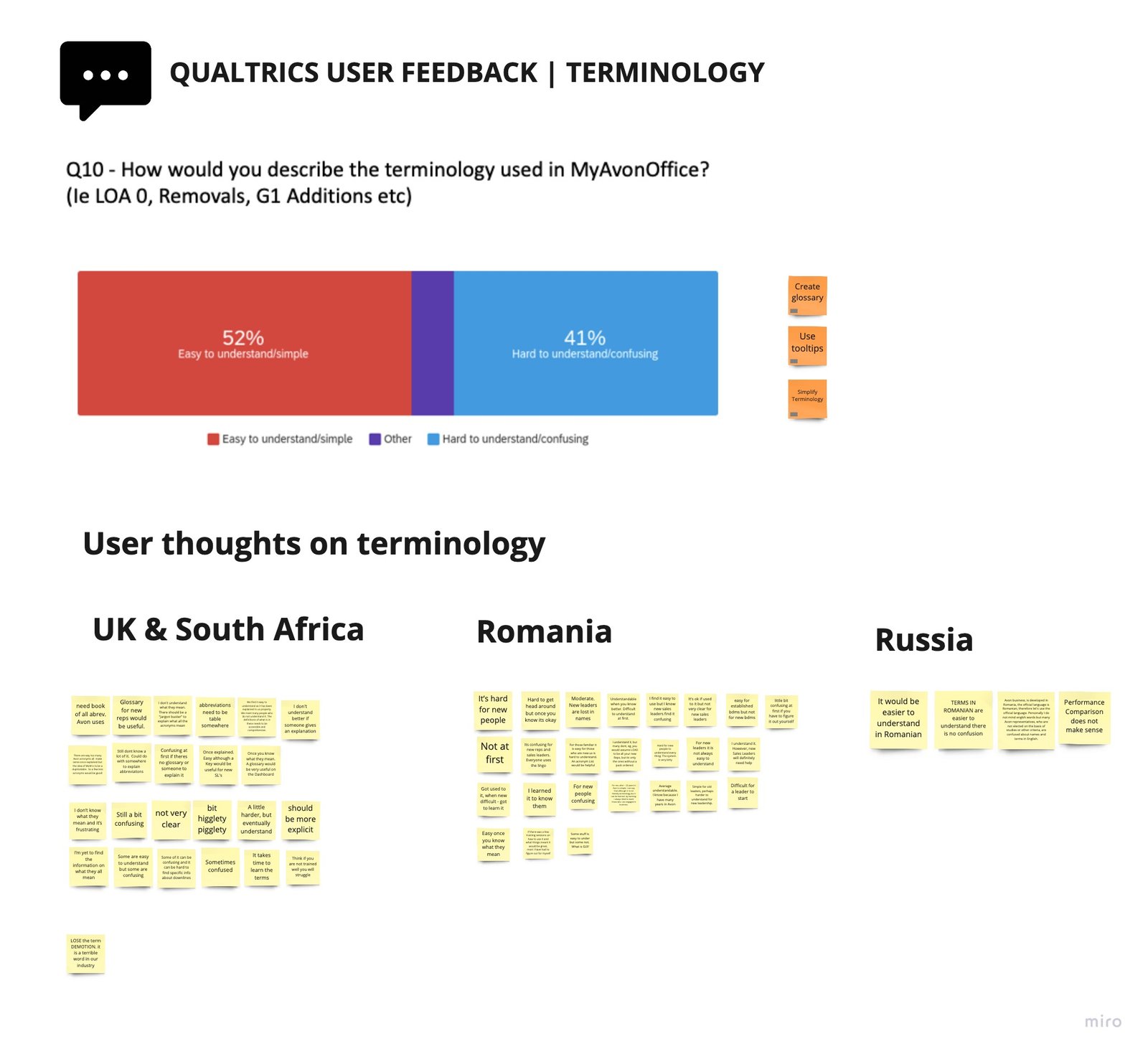
- I enabled an in-page survey asking existing active users specific experience & features related questions. The survey was live for 2 weeks in the 5 top countries and resulted in 6000 responses. This quantitative research was key in validating the qualitative insights from the focus group and our own assumptions.
All the research findings and workshops were documented everything in Miro. This was extremely helpful to align with key stakeholders throughout the project.



2
Wireframing & Prototyping
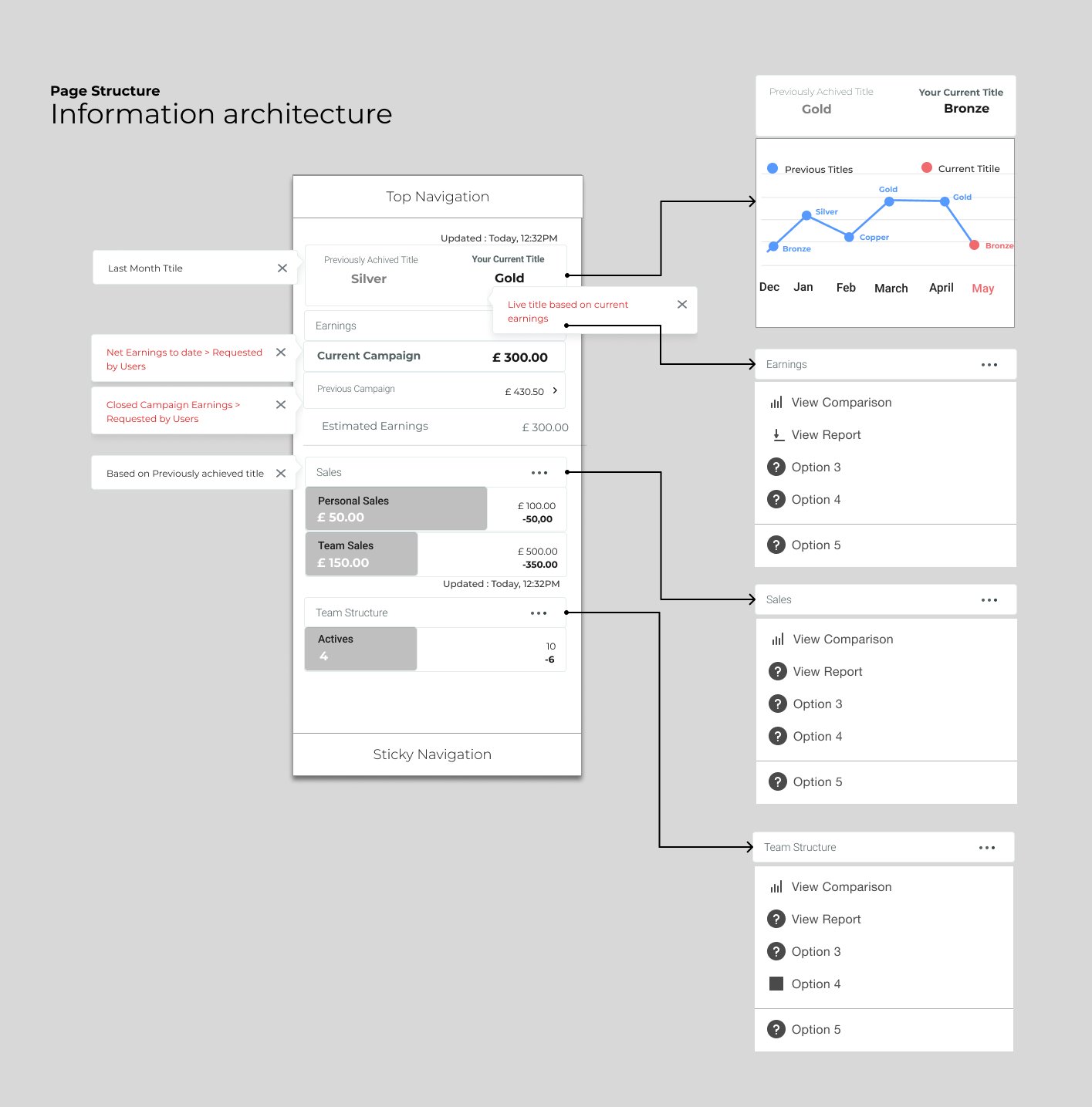
- I created multiple low fidelity wireframes that evolved into a single higher fidelity wireframe after multiple discussions with the product team.
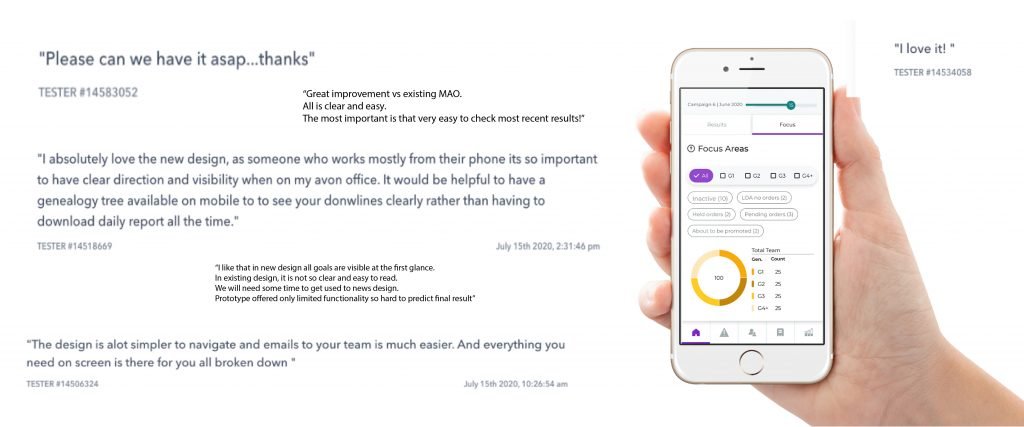
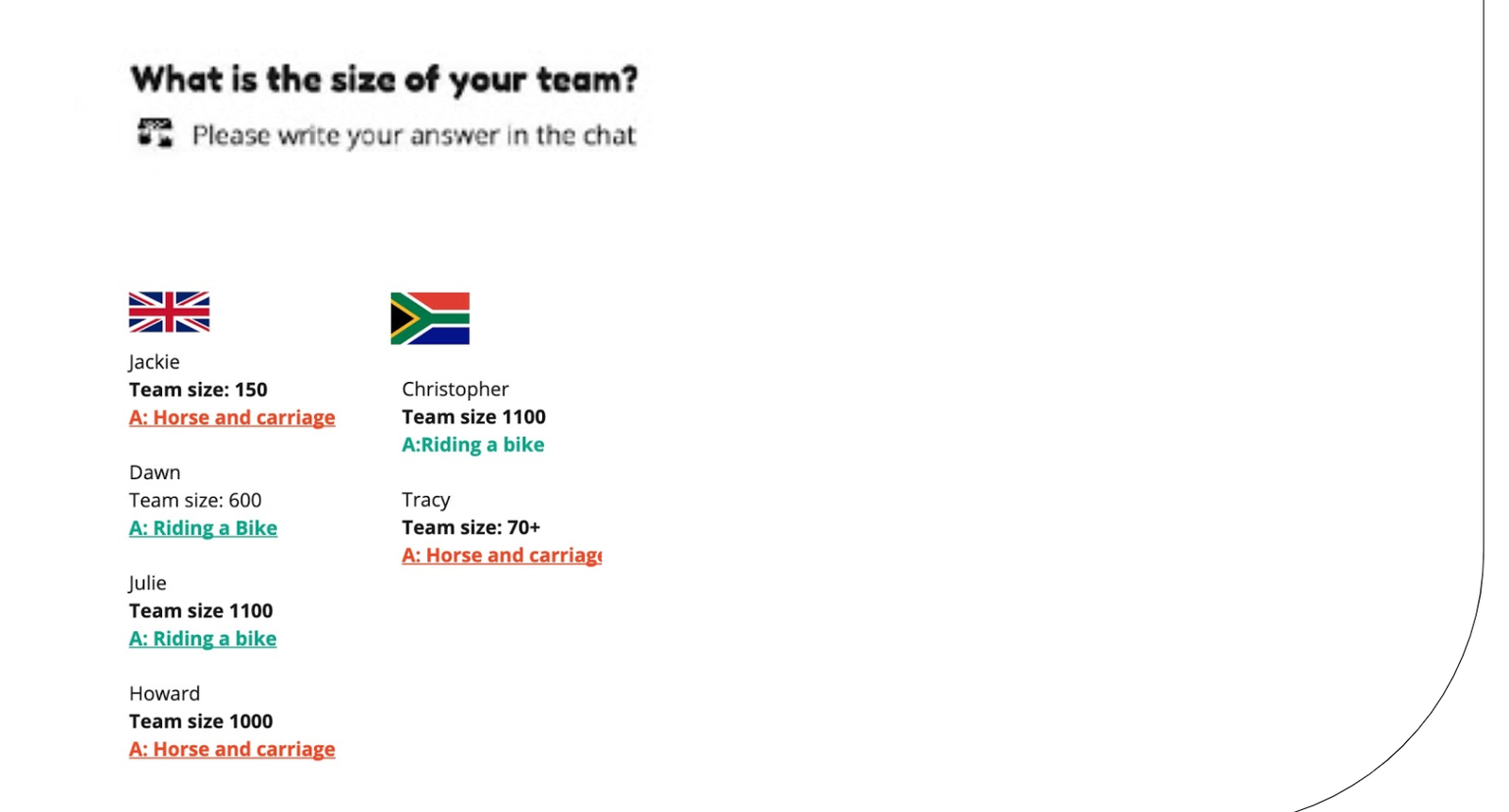
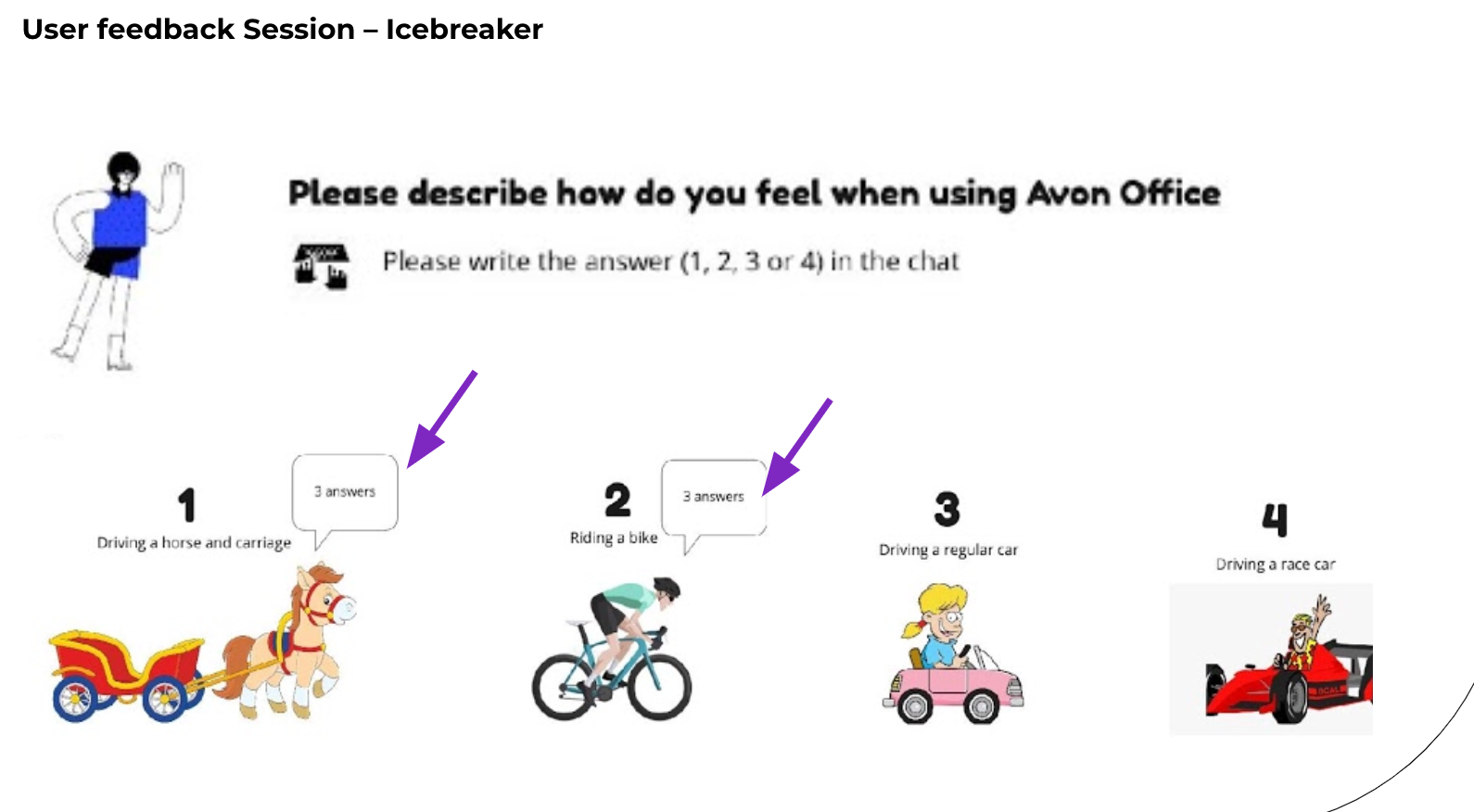
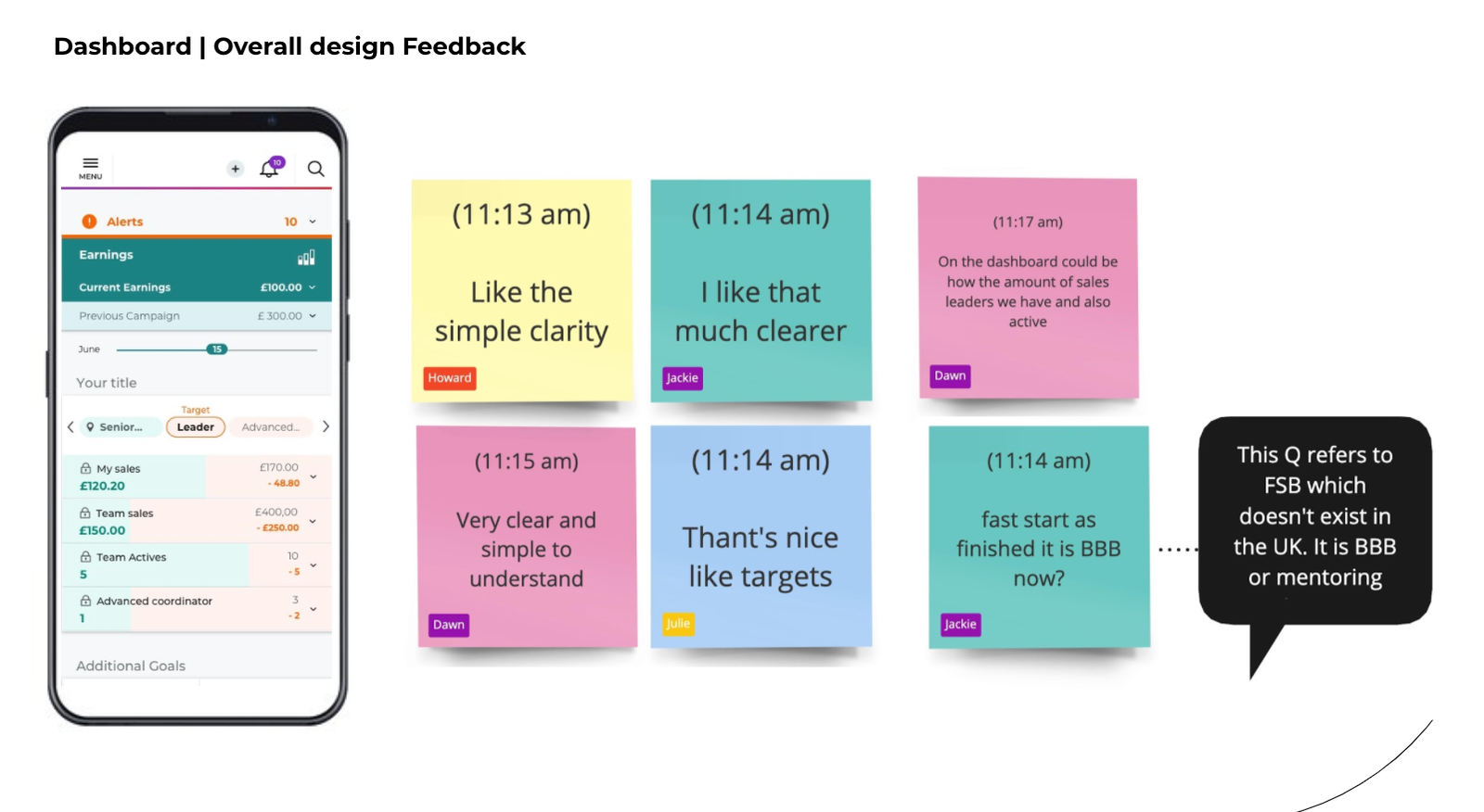
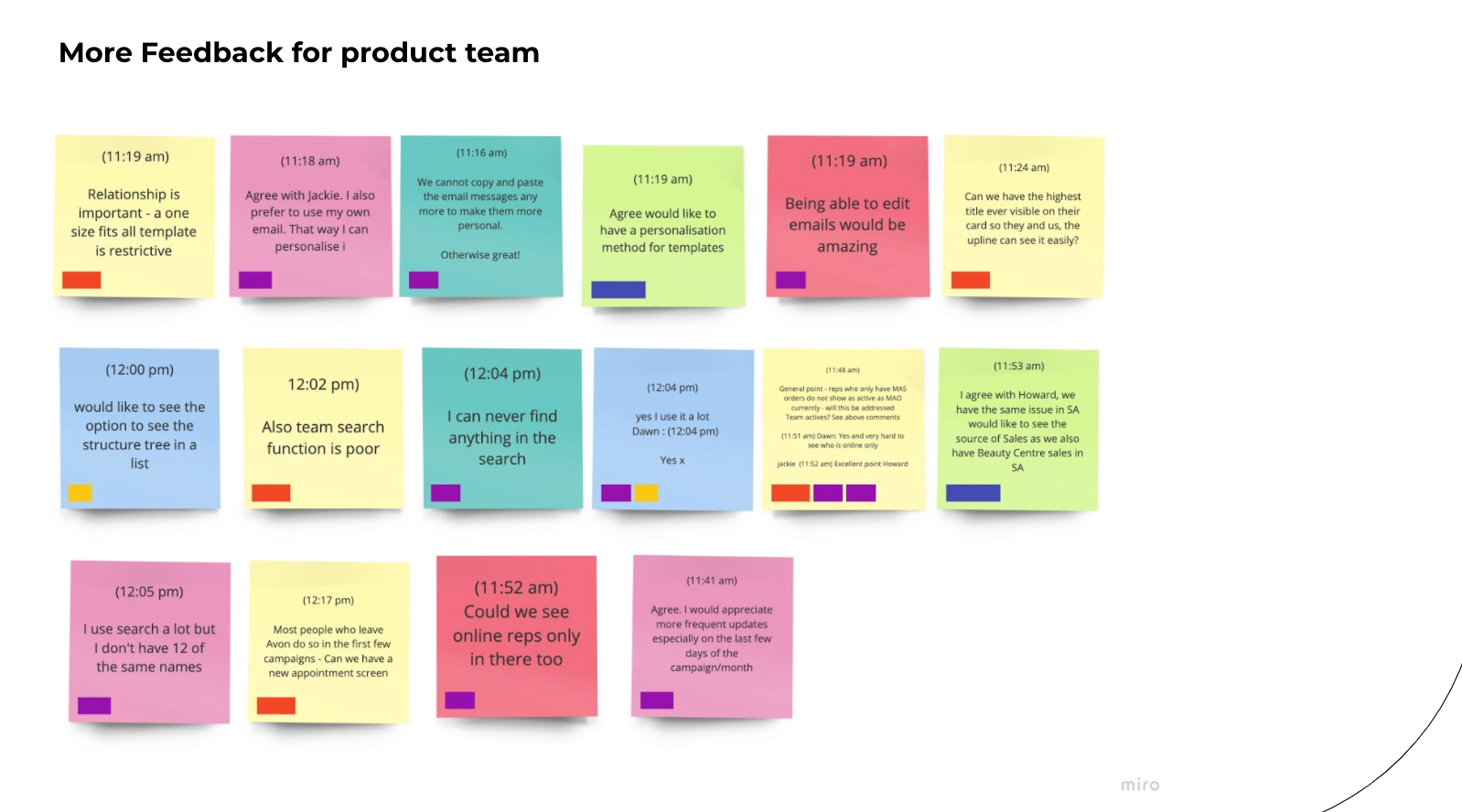
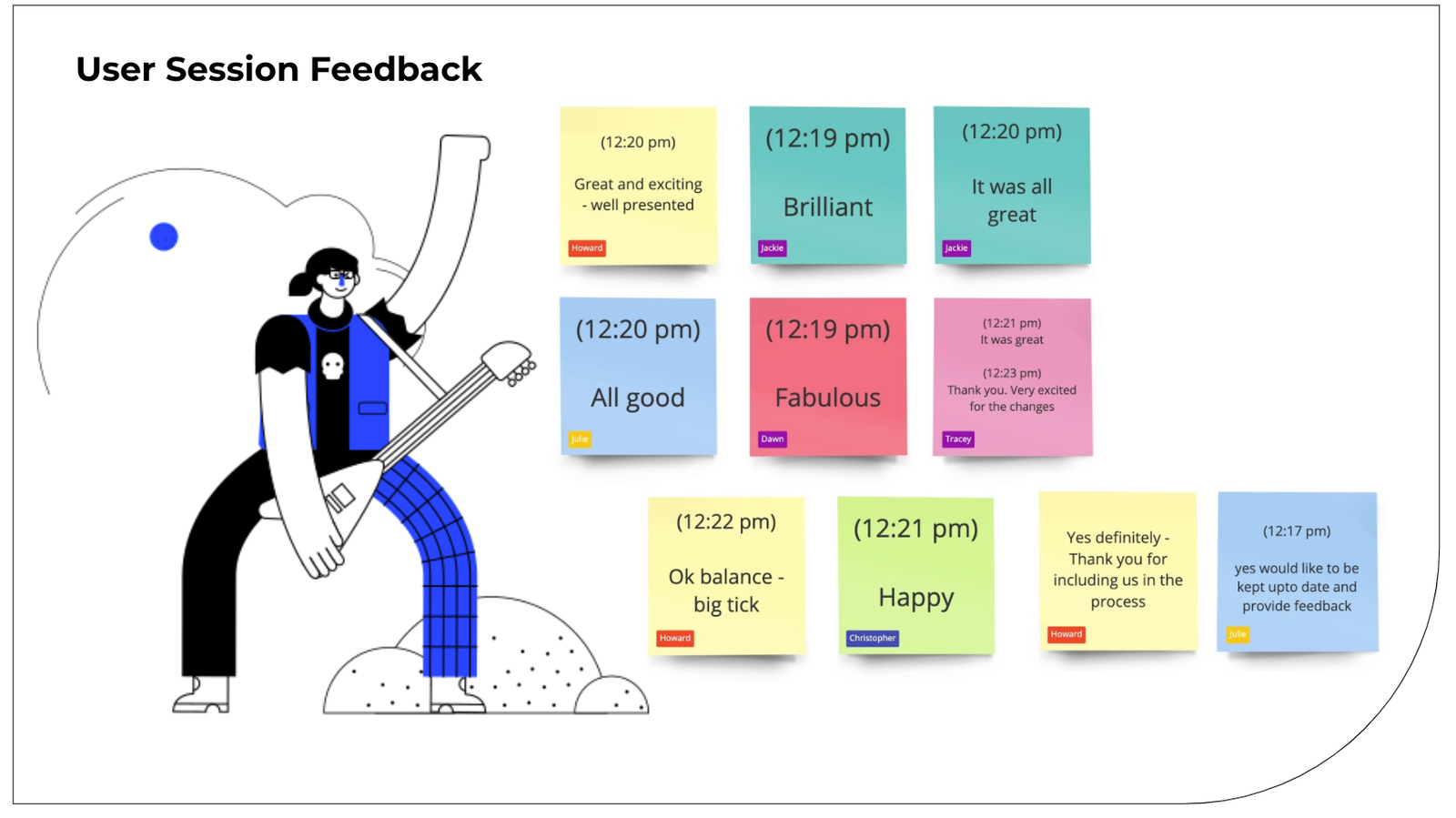
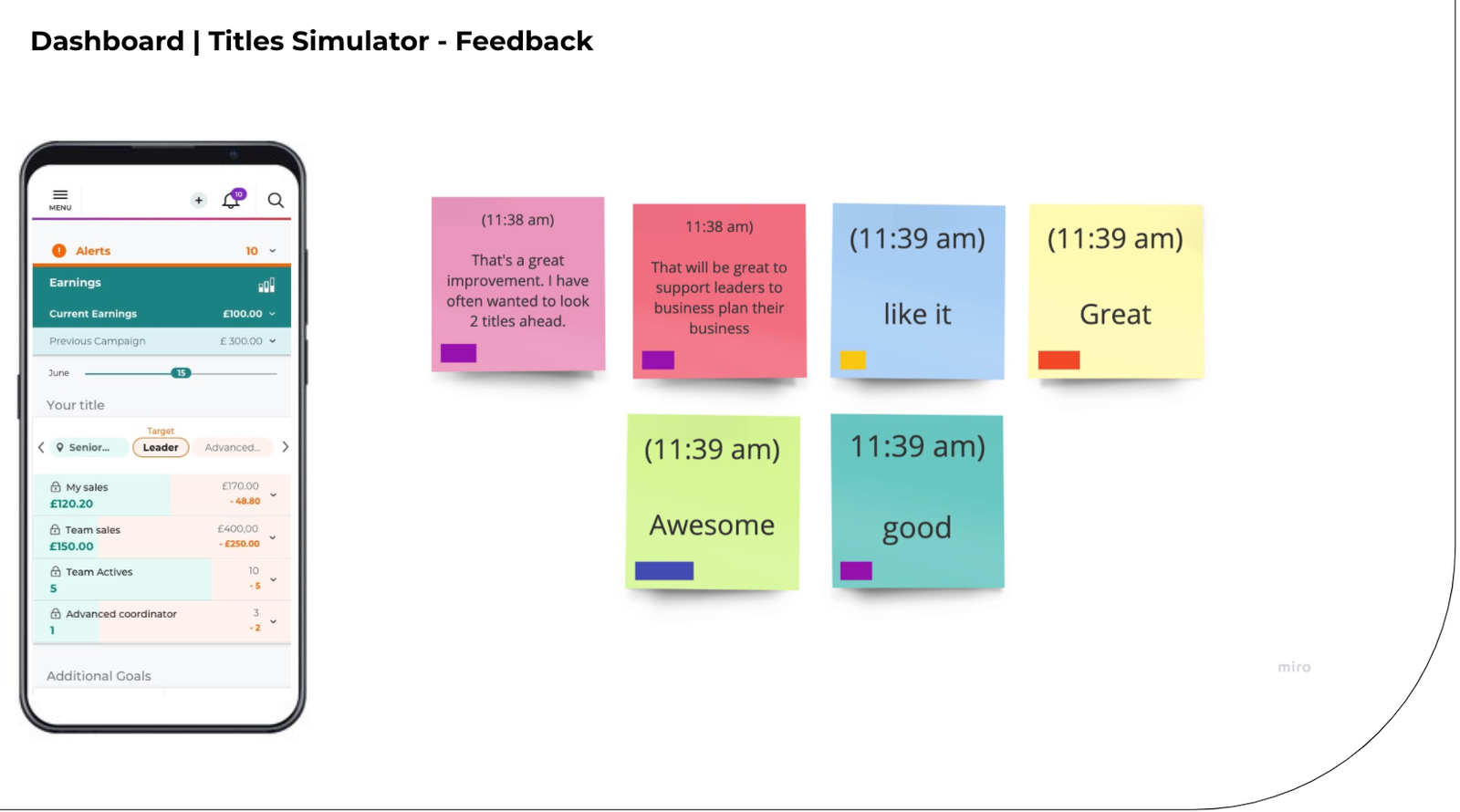
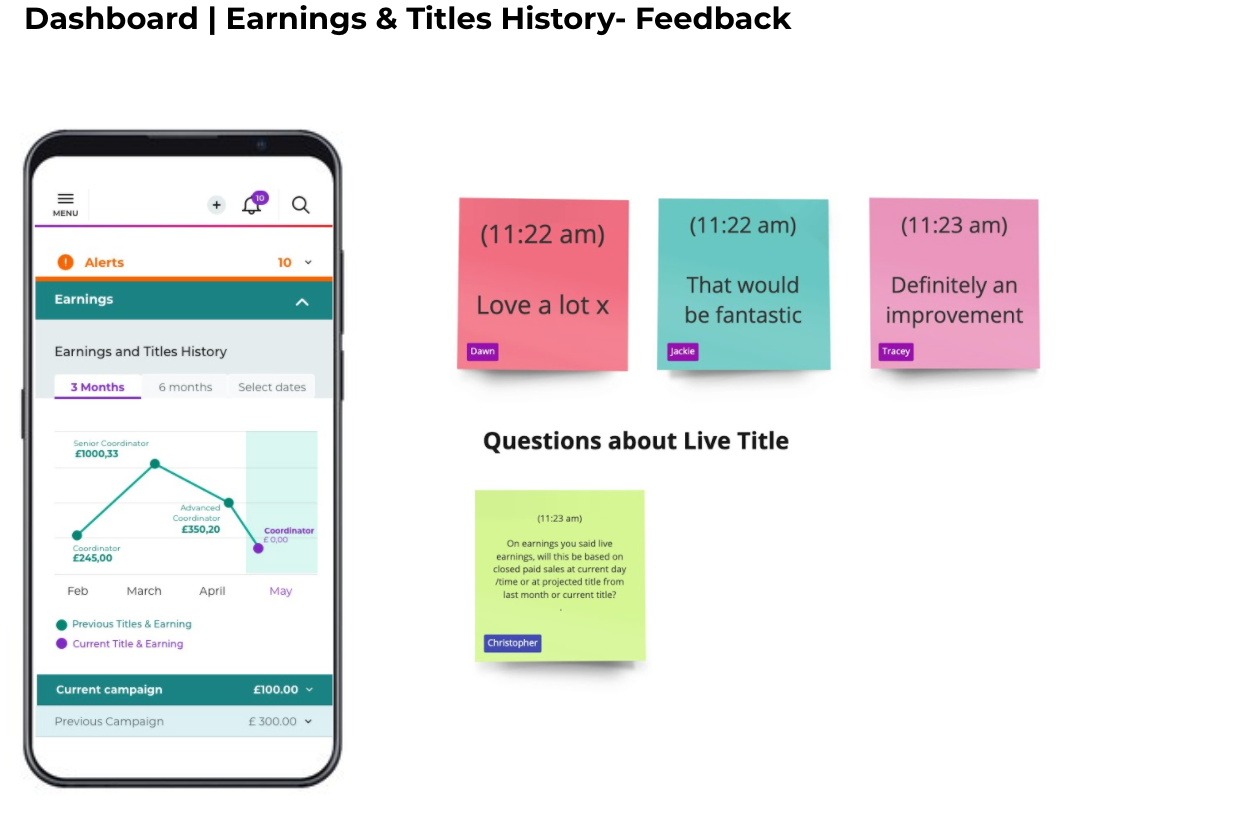
- The wireframe was then evaluated by real users from South Africa and UK, during a remote feedback session using Miro and Zoom.
- The insights from the session users were shared with the team and used to further refine the designs.
4
Remote Usability Tests
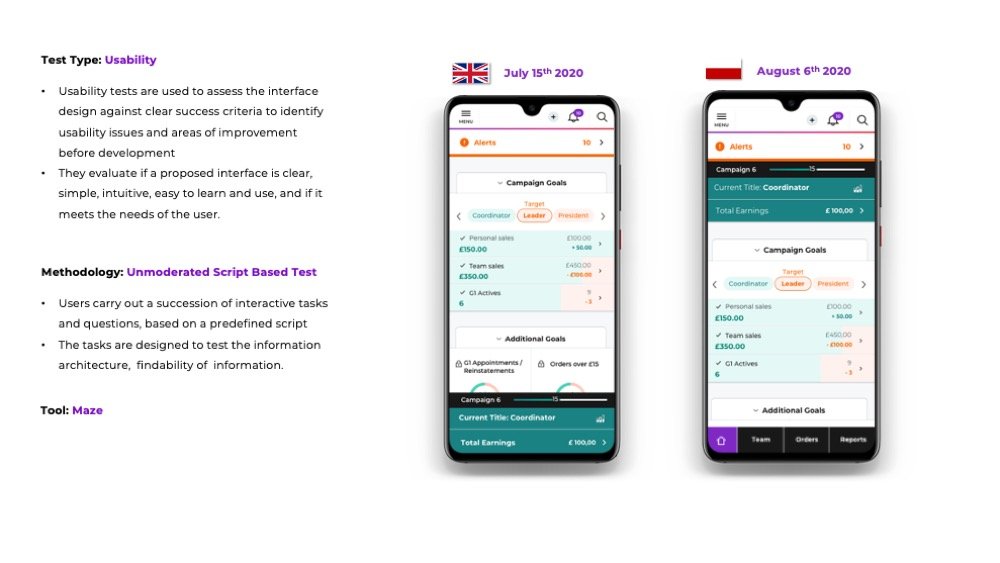
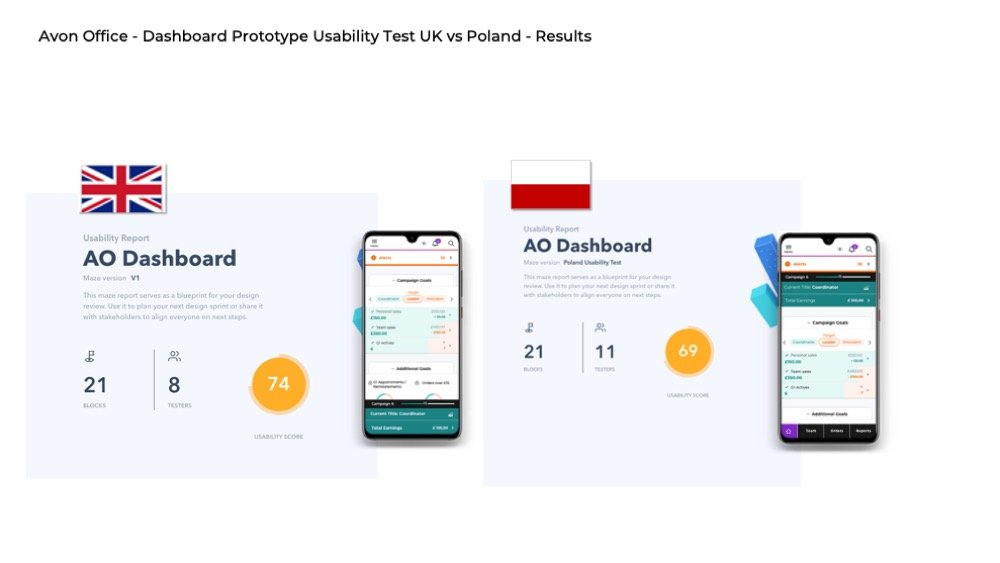
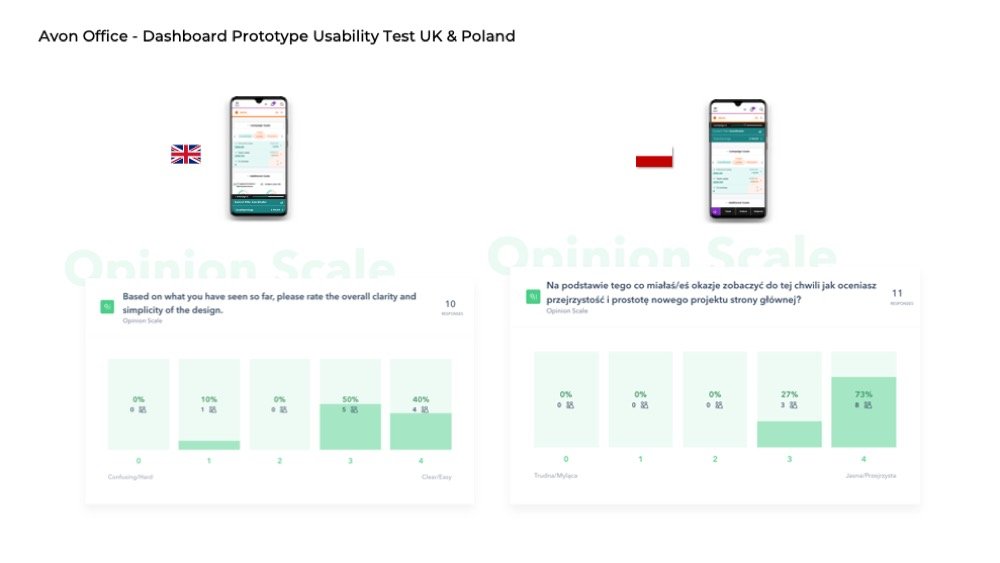
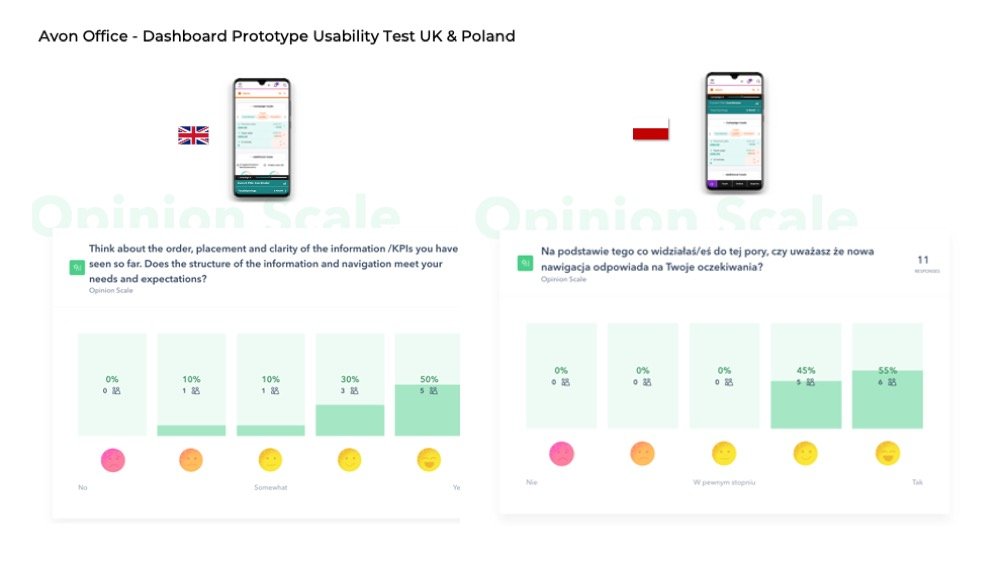
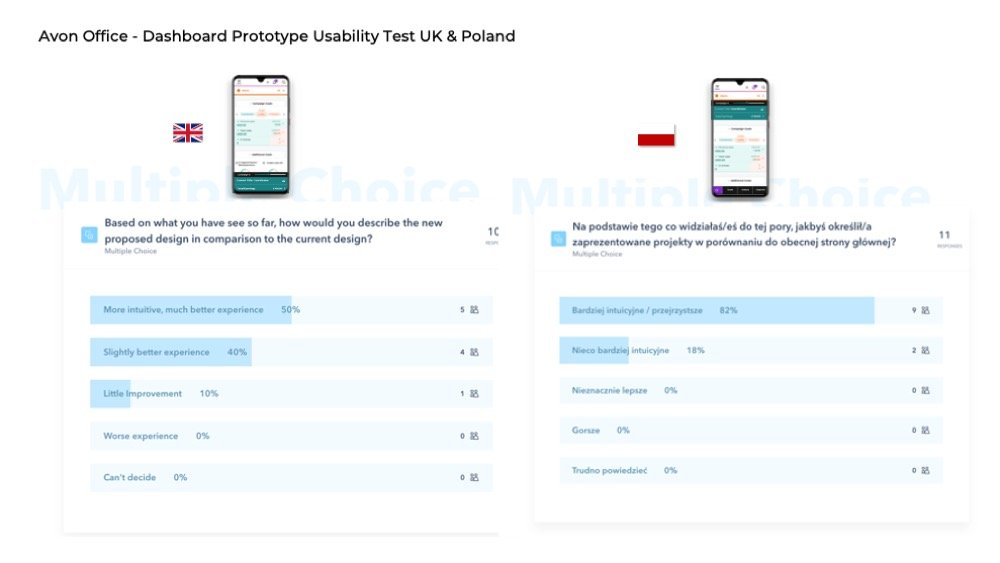
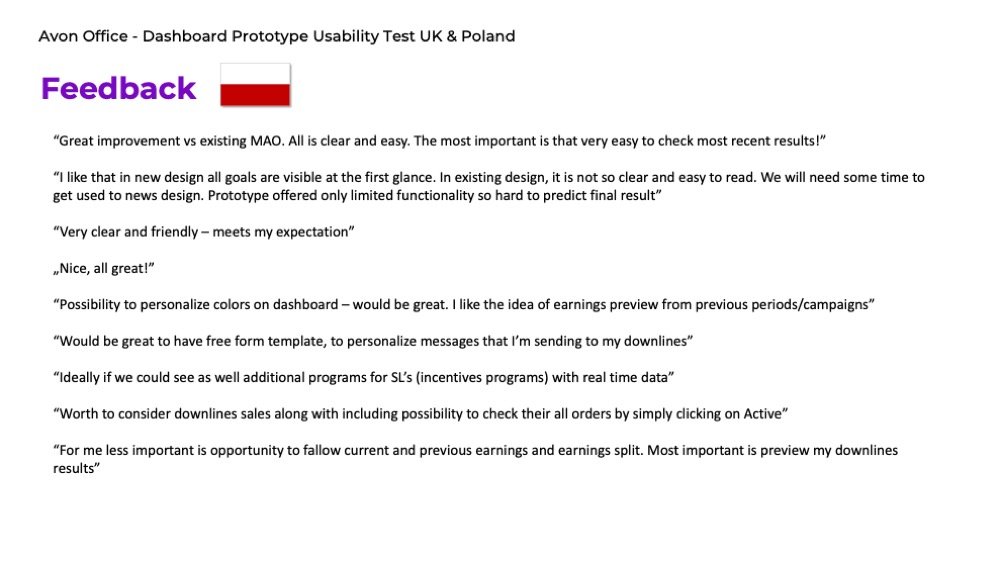
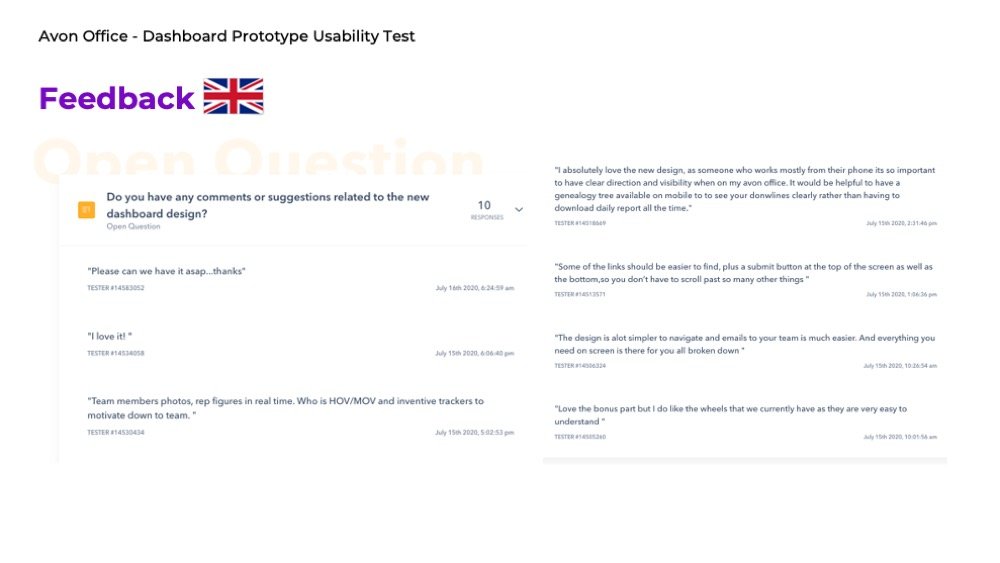
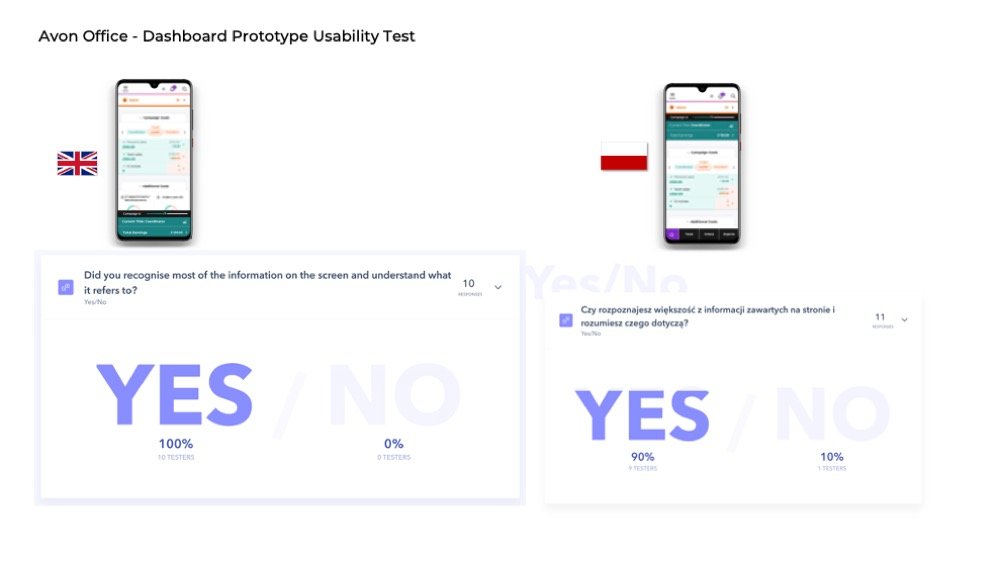
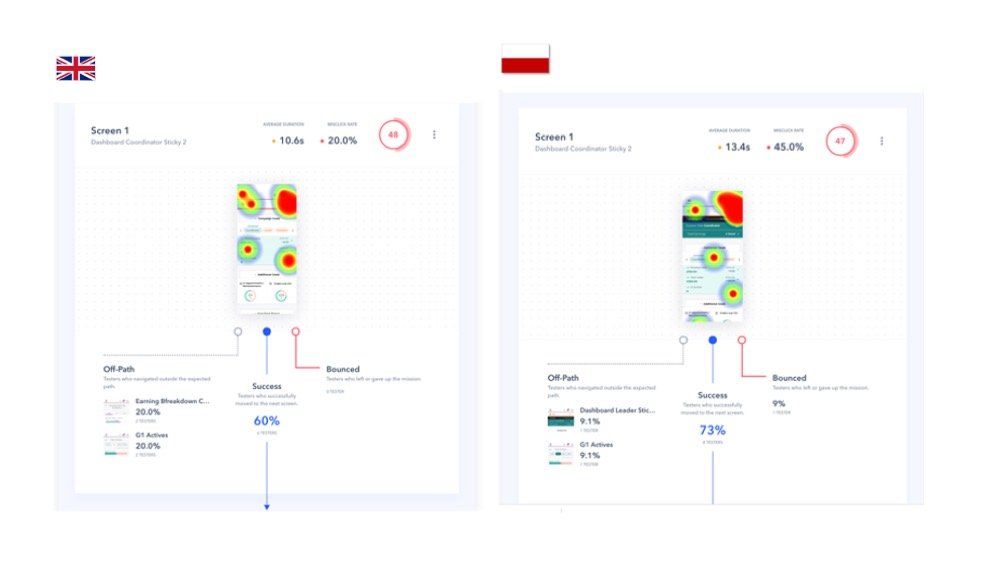
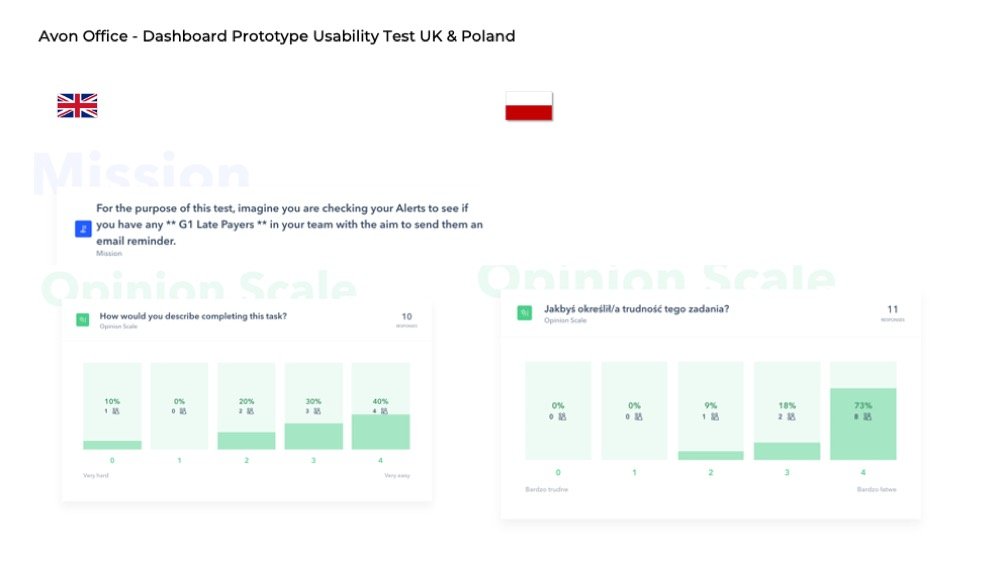
- I ran 2 remote usabilities tests one with users in the UK and the 2nd with users from Poland.
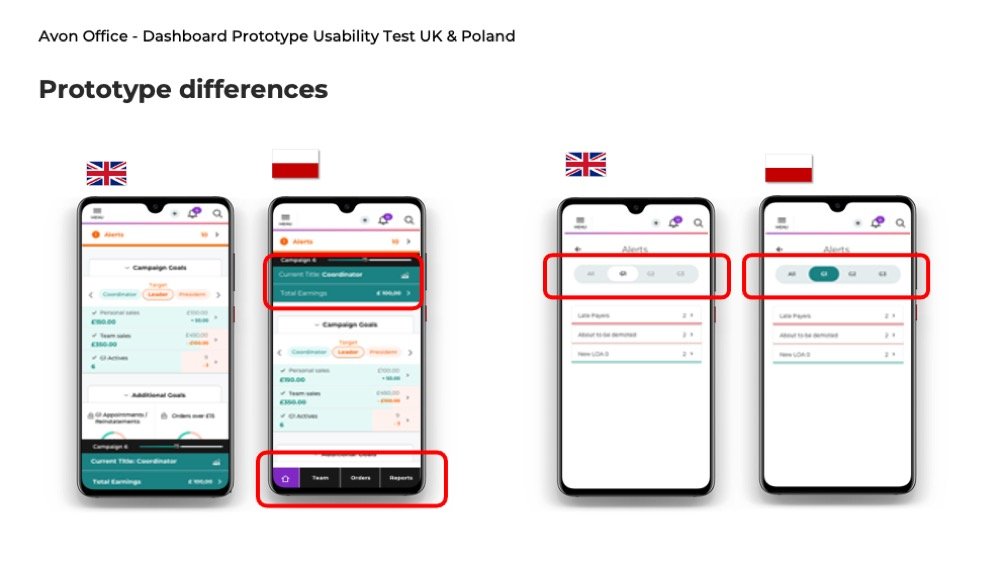
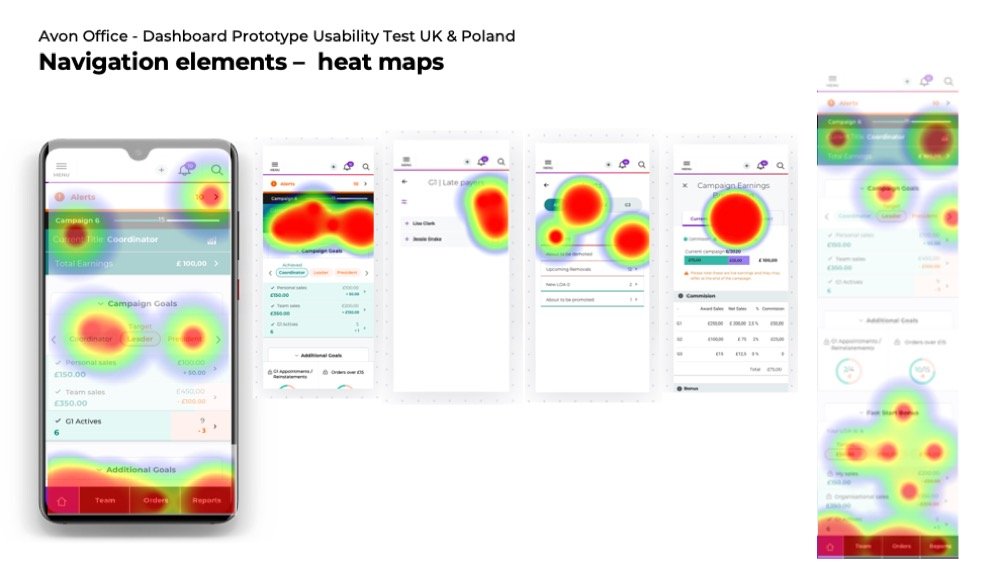
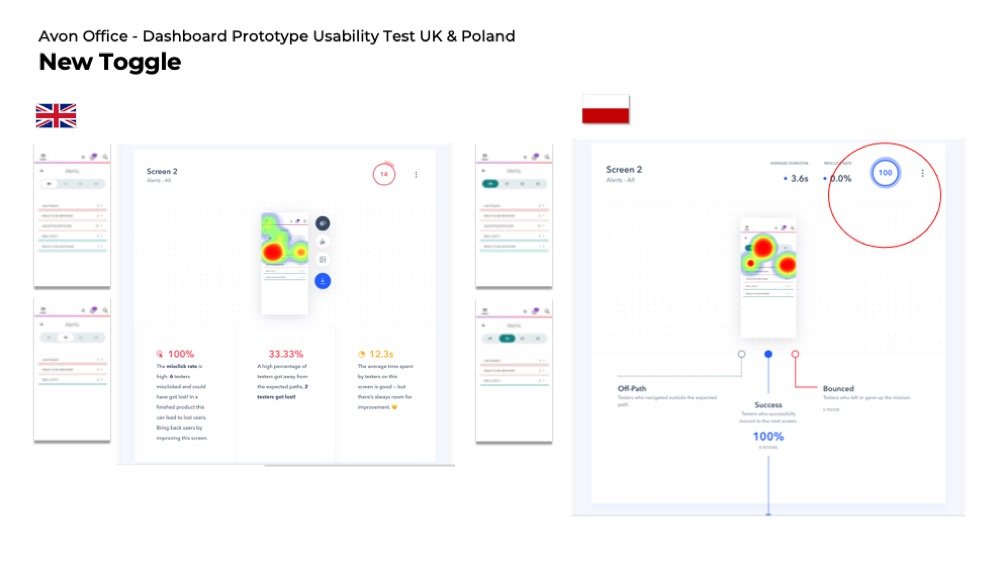
- The script for the 2 tests was identical, while the prototype was slightly different. The heat maps from the UK test indicated that some users were completing the tasks using an indirect path and my assumption was that some UI components weren’t visible enough on the page. To prove this I changed the UI element in the 2nd test. The heat maps from the 2nd test proved my assumption was correct.
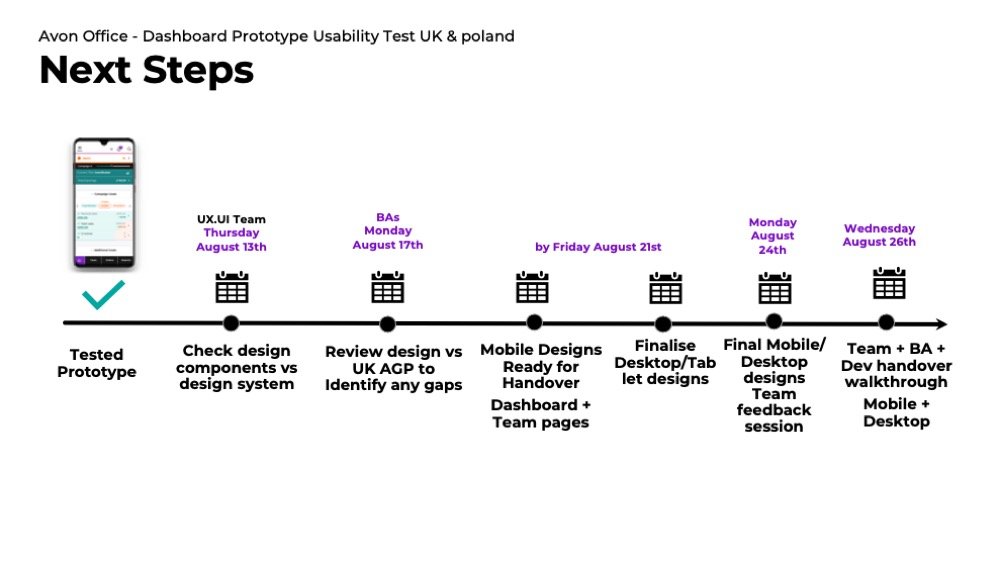
- The insight from the test was embedded in the final design, before dev handover.
5
Final UI / Development
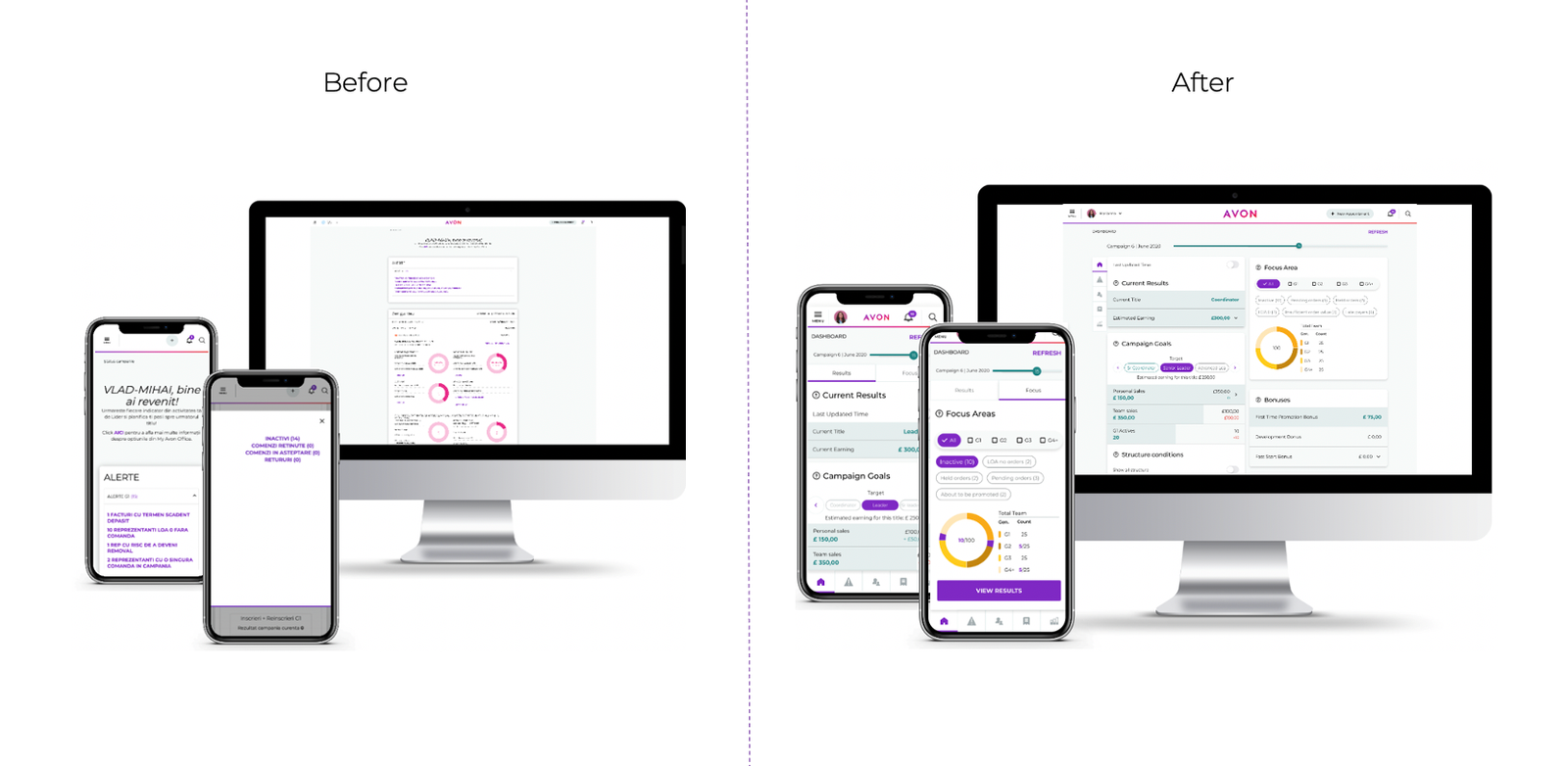
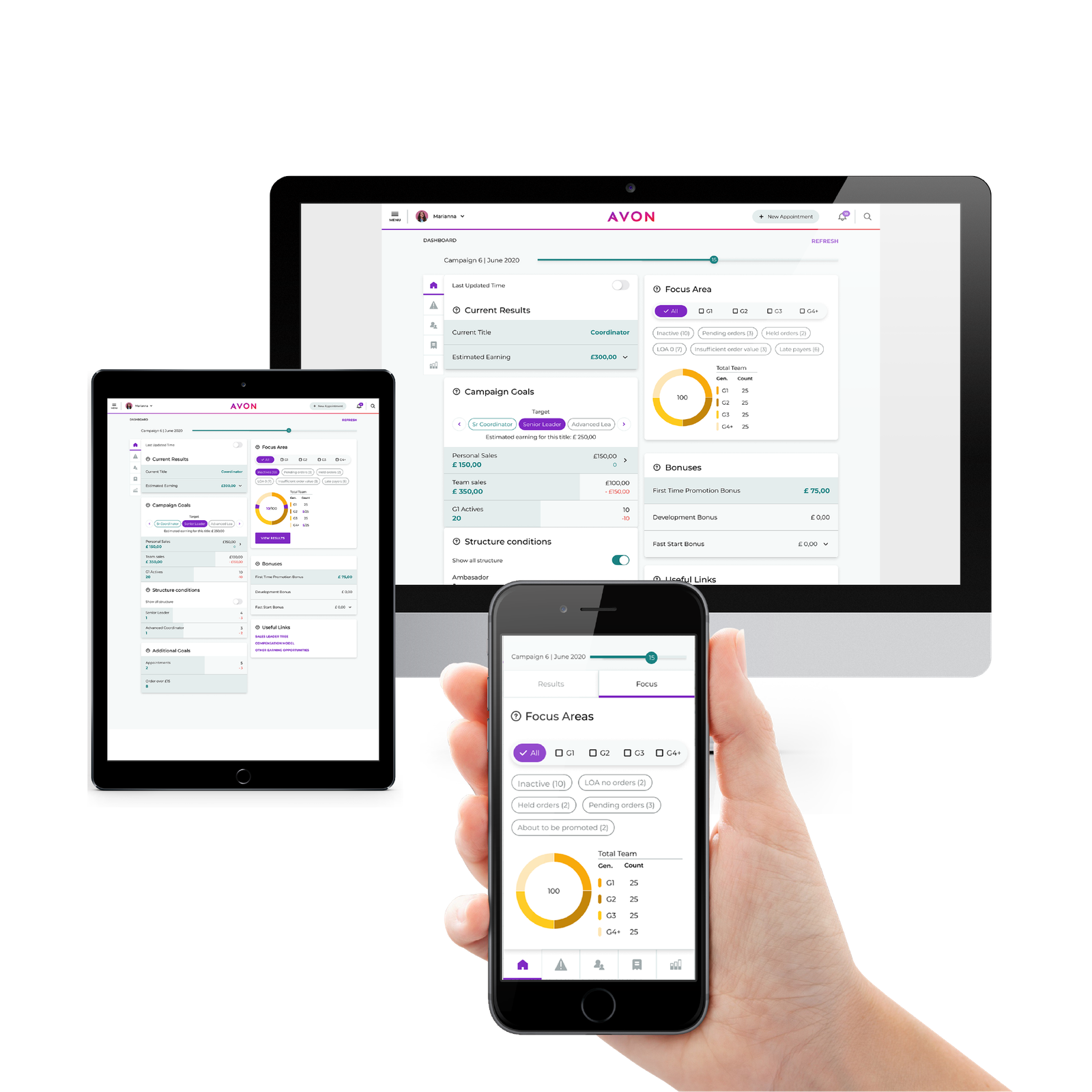
Compared to the old dashboard that was only presenting data without providing clear suggestions or analyzing data on behalf of the end-users ,the new design solution is more operational, helping users take better decisions in a timely manner.
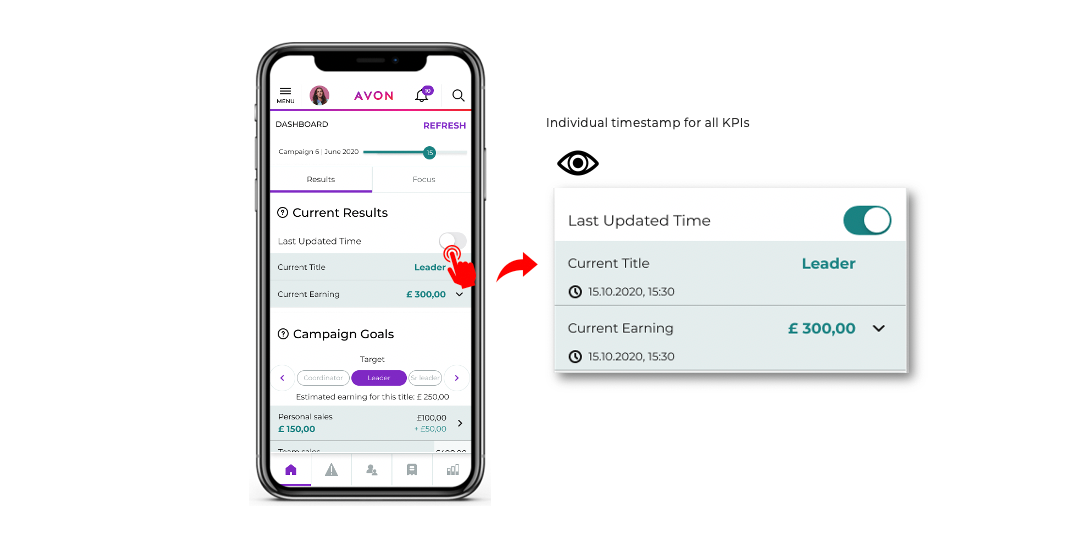
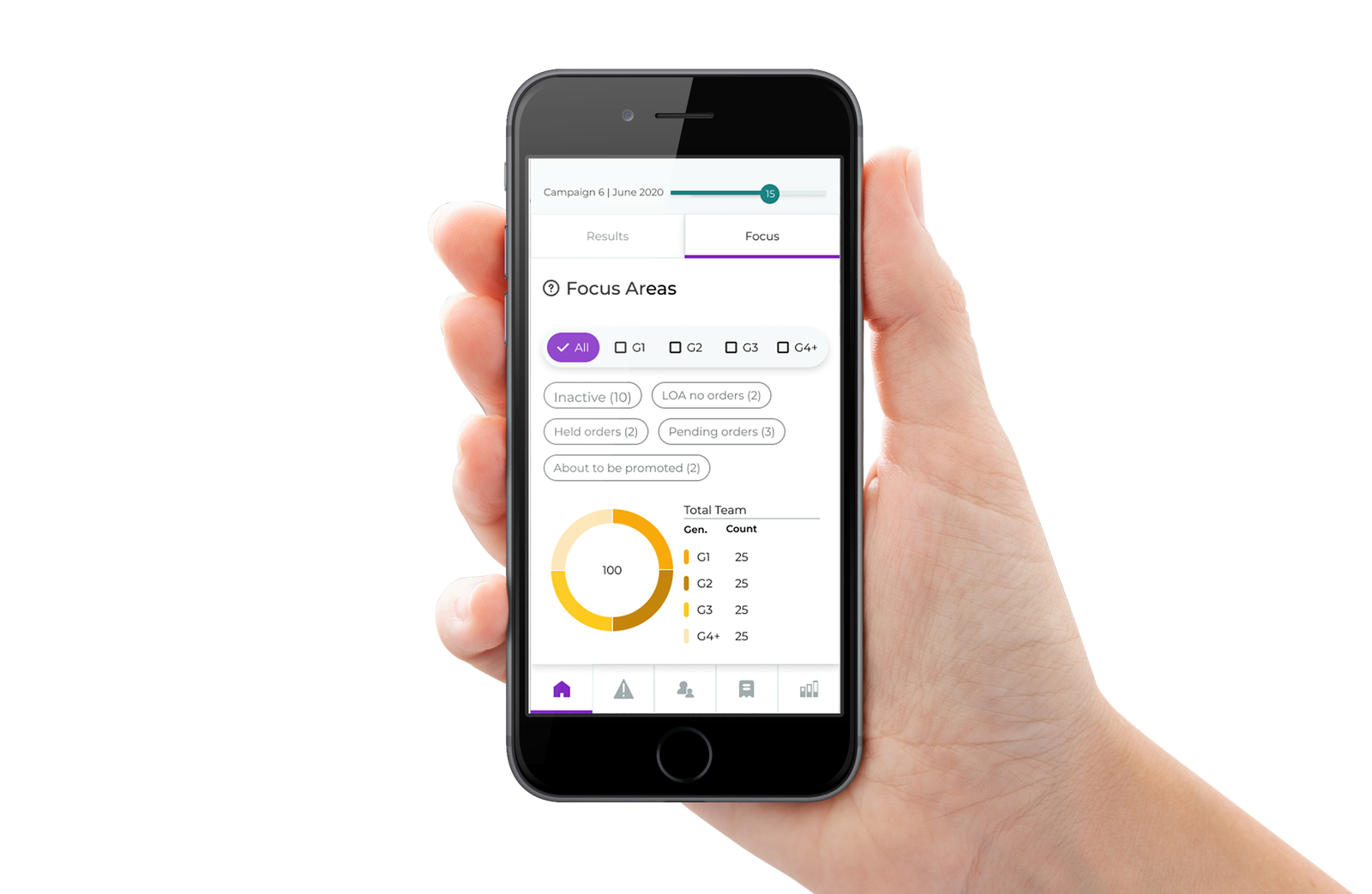
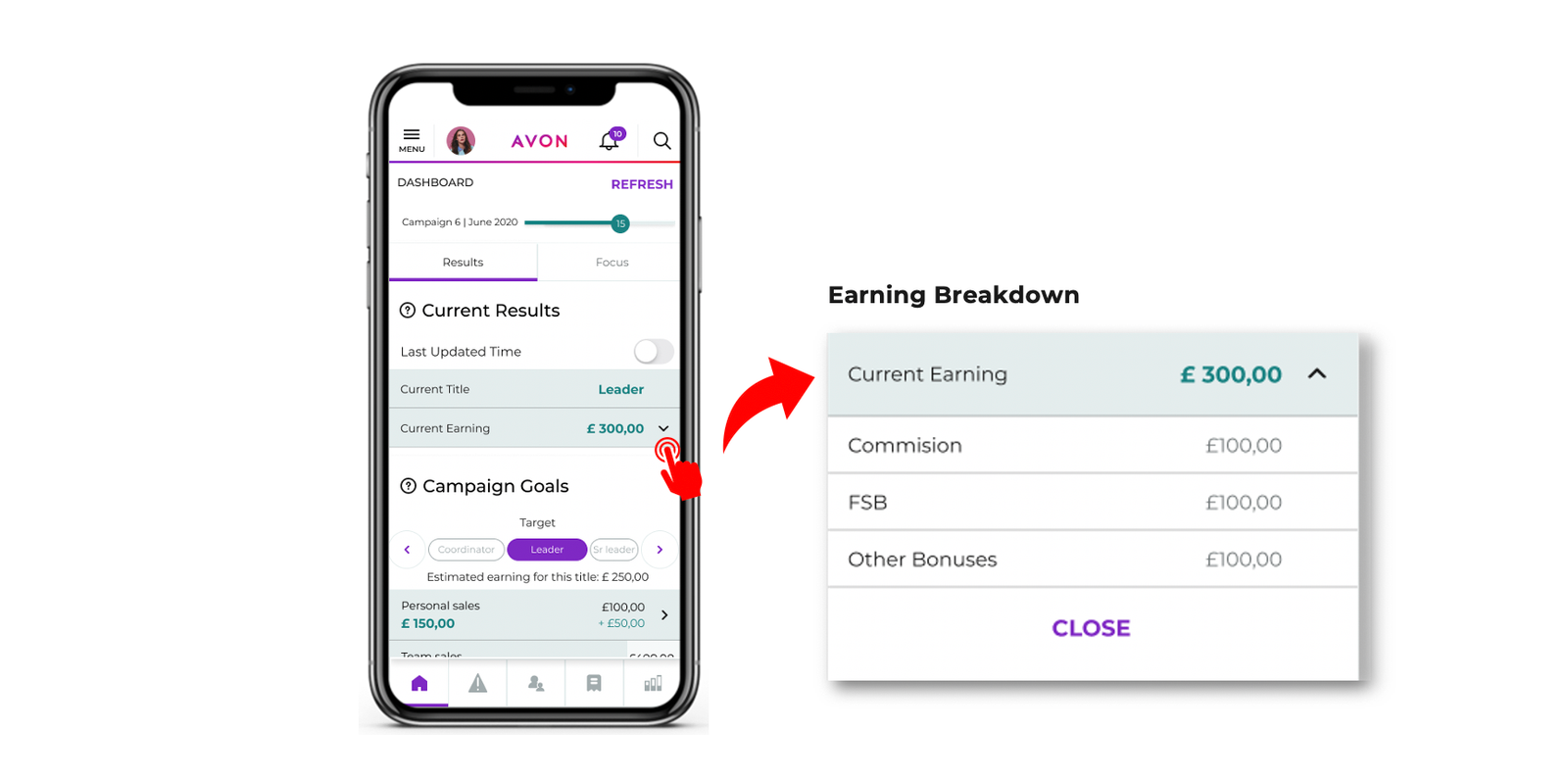
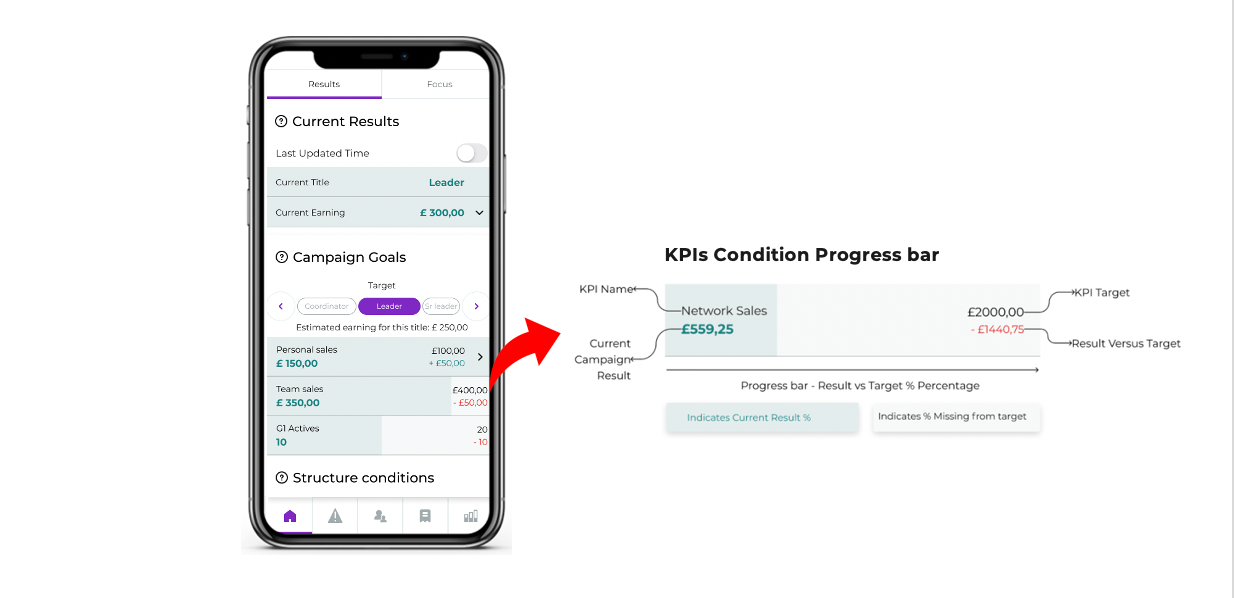
The design highlights the most crucial information for the user showing risk areas and opportunities that directly impact their earnings and allows them an easy way to navigate directly to various areas of the application that require attention.
The final designs, which include not only the revamp of existing pages but new features will be delivered in phases. Phase one covers the key pages, while next releases will focus on new features.